This documentation is for an older version. View the current documentation.
Skin Editor
A skin, as a whole, is a graphical element (interface) that is layered over the panorama and can include images, maps, buttons, text, and sounds.
The Skin Editor has 4 main sections: the Tree, the Canvas, Properties and
the Toolbar.
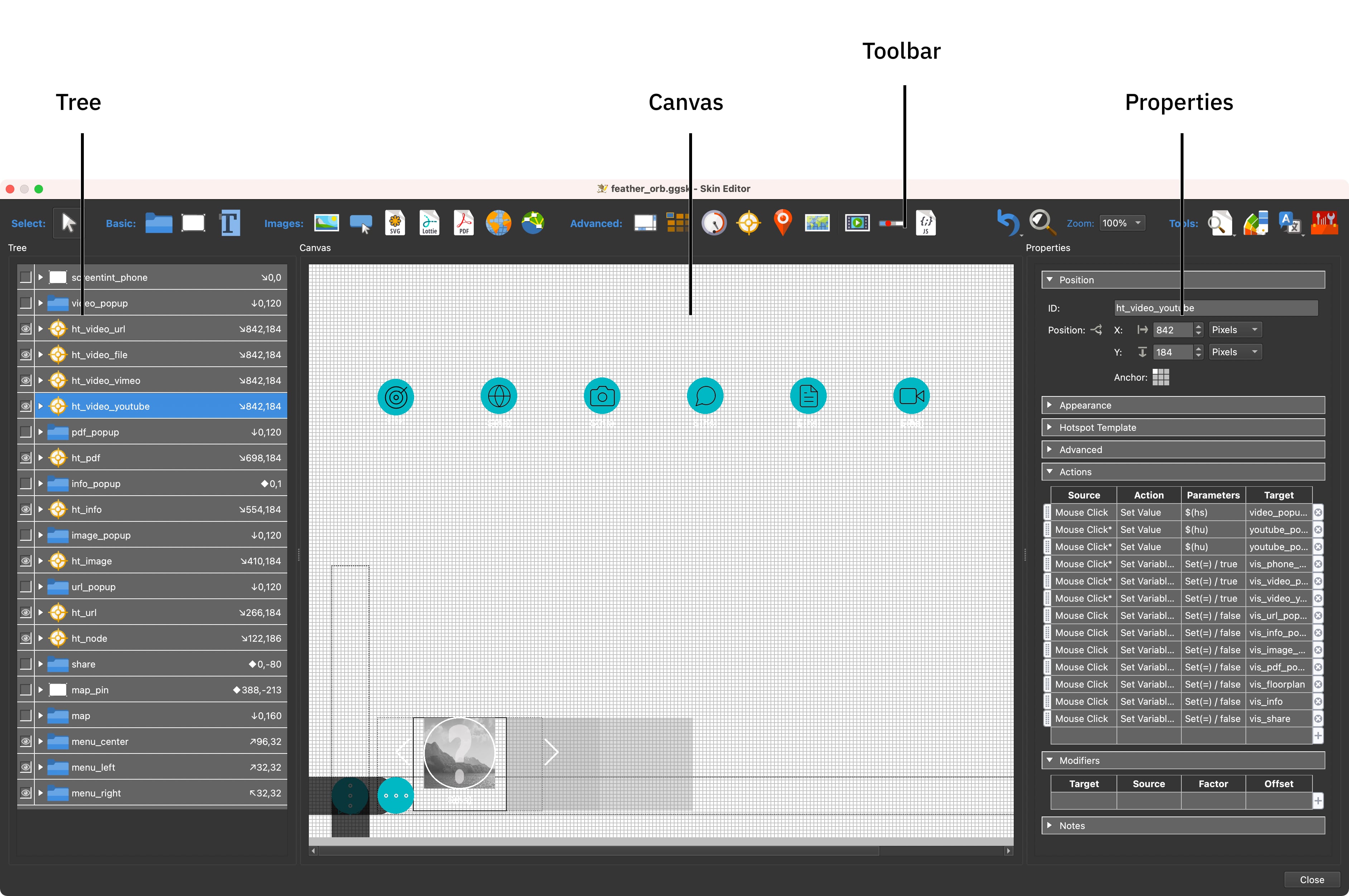
- The Tree is where the skin elements are organized.
- The Canvas is where you build and design the skin – it’s your workspace.
- The Properties section is where you can edit each element and change the way it behaves through actions.
- The toolbar and menu bar also contain tools.