Master Node
The master node acts like a template node in which data and elements are applied to all nodes in a tour.
For instance, you can add user data, a patch, or hotspots and they would appear on all nodes. You can edit the Master Node by going to the Tour menu and choosing, Edit Master Node or click Edit Master Node in the User Data.
All Viewer Elements can be added to the master node. These elements will be seen in List View for any Tour Node. Point Hotspots will additionally appear in the Viewer.
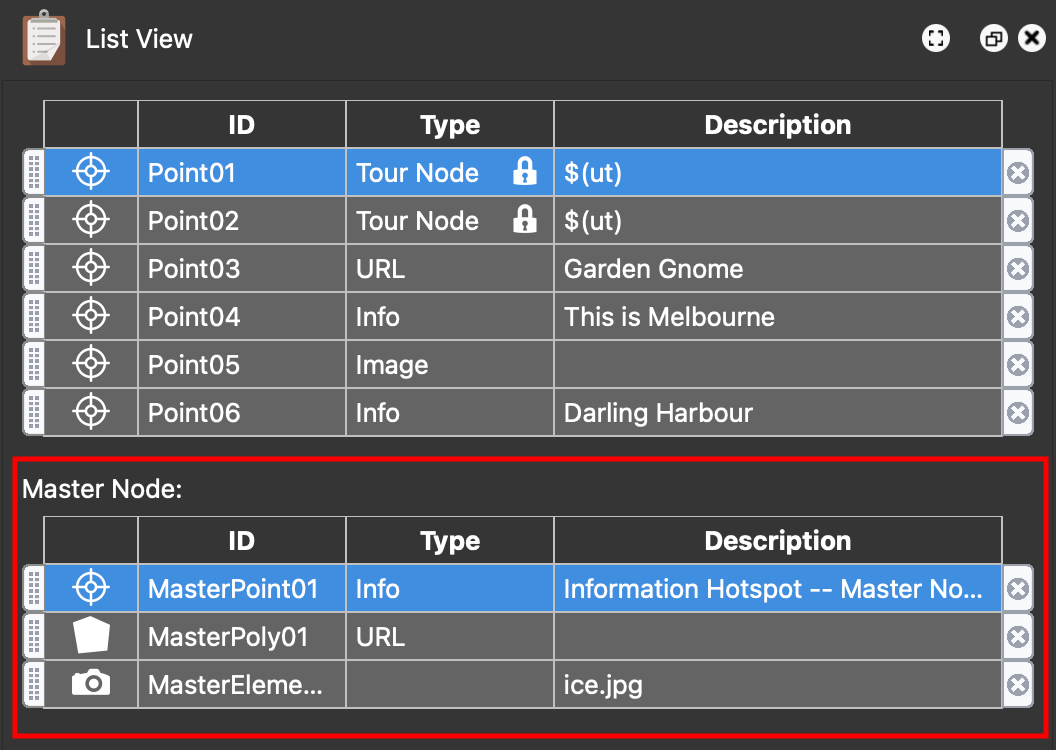
Viewer Elements
Viewer Elements added in the Master Node will be visible in the Viewer even when not in the Master Node.
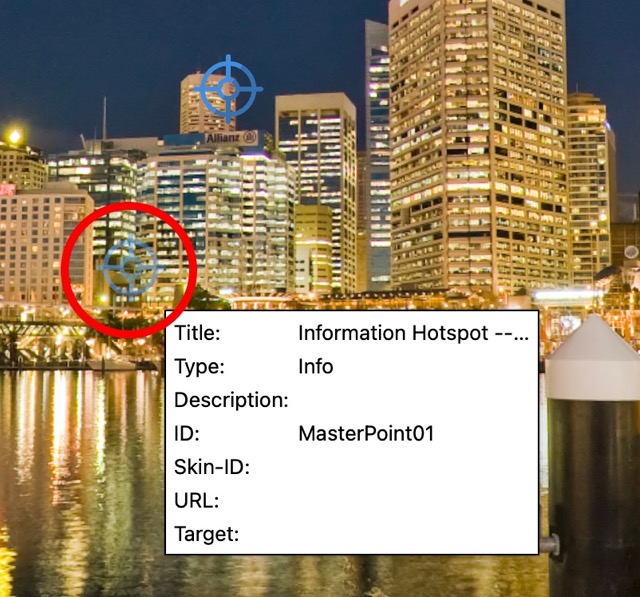
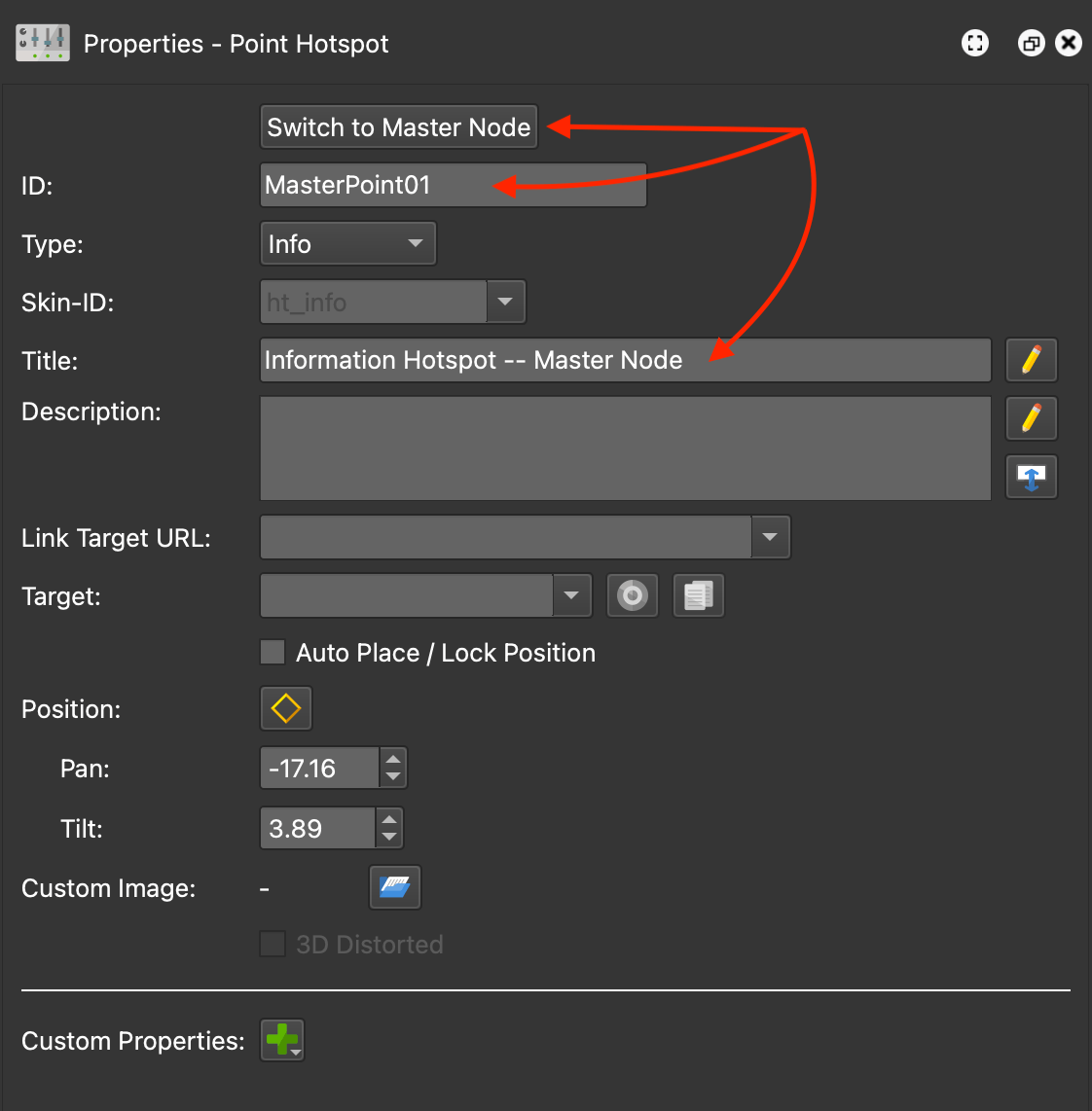
They will appear like the main viewer elements, but will be more transparent. When selected, the Master Node properties for that element will appear and they can be edited without going into the Master Node. They cannot be repositioned
User Data
You can use placeholders in the
Project User Data of the Master Node which can pre-populate the fields. For
example, if your image filenames include the title of the image, you can use the
placeholder, $(ib) in the Title field.
Then, when you exit the Master Node you will see the User Data title populated.
Custom Properties
Adding custom properties are also available for User Data and Hotspots. Adding them here will add them to all nodes.