Create a Generative AI Image Patch
Use the integrated generative AI tools to patch nadirs or any part of the panorama.
To use the generative image patch feature, you will need tokens. Tokens are a way to pay for the generative AI service. Everyone with a Pano2VR 7 license gets 250 free tokens to start with. After that, you can purchase 250 tokens for €10.00. 1 generation = 1 token.
Note that the patched image is uploaded to third party servers.
-
Load a panorama and add a patch.
-
Resize the patch to cover the patched area. Keep the patched area at least within the green circle (mask) to give the AI enough information and get better results. Extending the green circle out beyond the patched area a little also helps.
-
Choose Image as the patch Type.
-
Click Generate. A dialog appears to let you know that third party services are being used. Clock OK to continue.
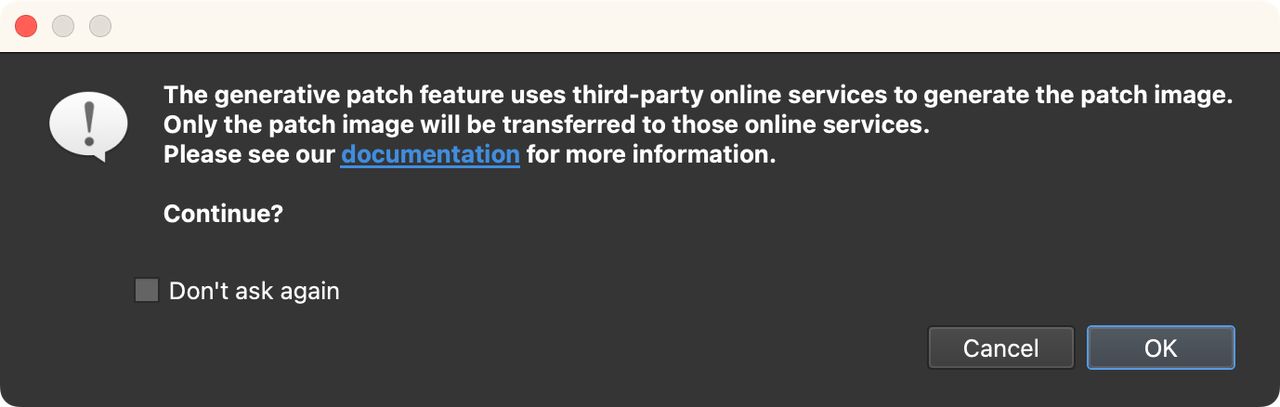
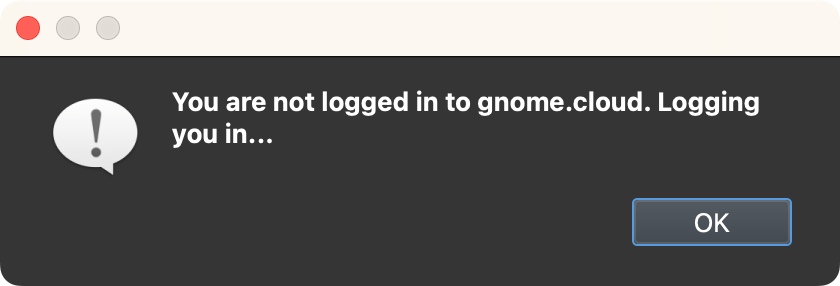
Third Party services notification. If you’re not logged in to ggnome.com, another dialog will appear to let you know that Pano2VR is logging you in. Click OK to continue.
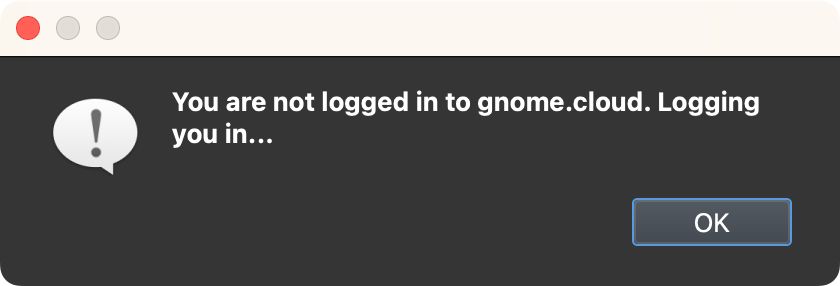
Logging in. Pano2VR will now generate a patch using AI.
It might take a few tries to get a good enough patch depending on the content.
The image below took 2 generations.
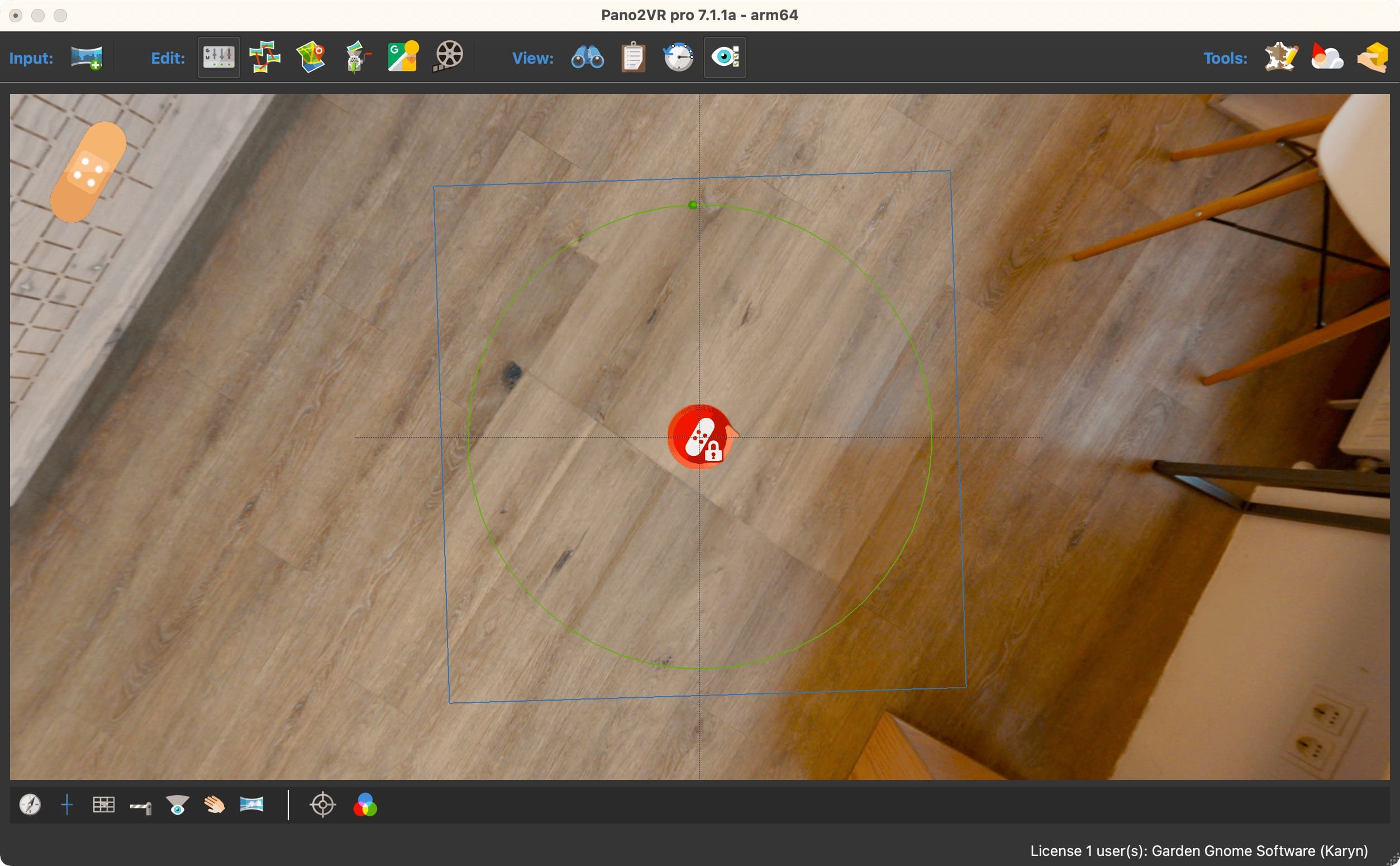
If you need to try again, click Generate again. You’ll be asked to Reload Original Image. If you choose, Yes, the original image will be used for the generative image. If you choose No, it will use the current patch to create the generative image and you might get something unexpected.
Here are a few tips:
- Give the area to be patched space around it to give the AI more information to work with
- Keep the area to be patched within the mask (green circle)
- When regenerating, choose Yes to Reload Original Image
- Adjust the mask’s radius and feathering if needed
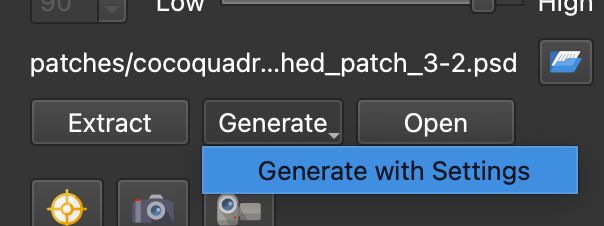
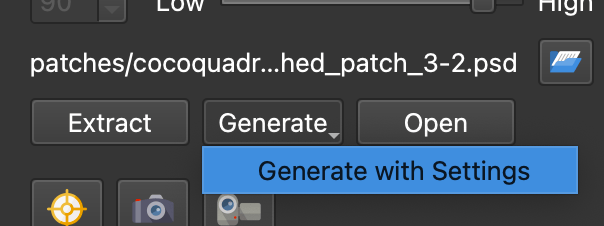
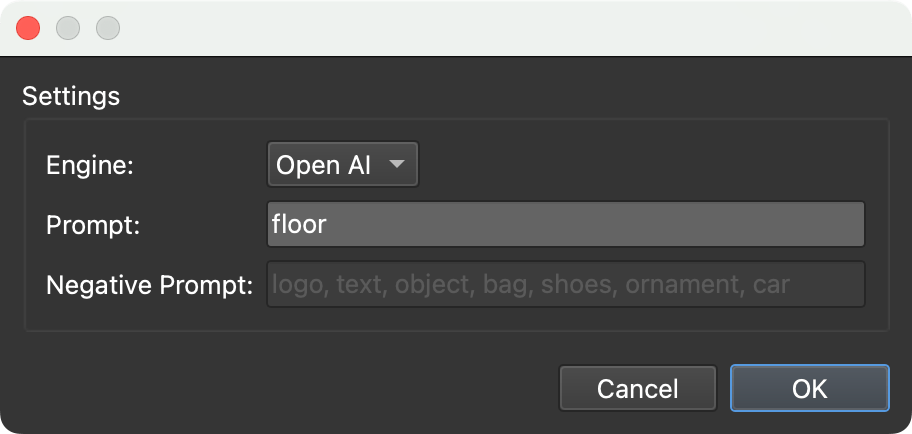
Generate with Settings
You can also generate your patch using prompts.
- Long-click the Generate button.
- Choose Generate with Settings. You’ll get another warning about third
party services. Also decide if you want to Reload the Original Image or
not.
Generate with Settings - Enter a prompt in the Settings dialog. The default is
floor. Currently only OpenAI is used to create the patch.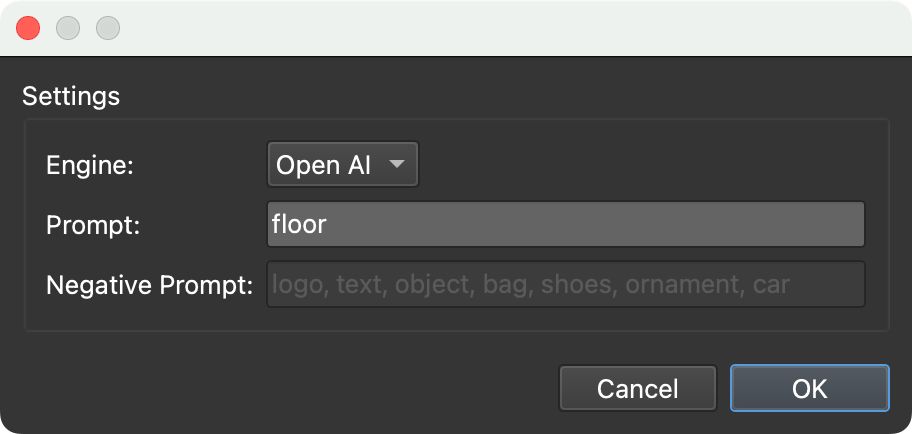
Add a prompt, leave it blank, or keep it as is. - Click OK to generate.
Get more Tokens
When you’ve gone through your free 250 tokens, you can purchase more for €10.
- Open the Cloud Dashboard (Cloud > Cloud Dashboard).
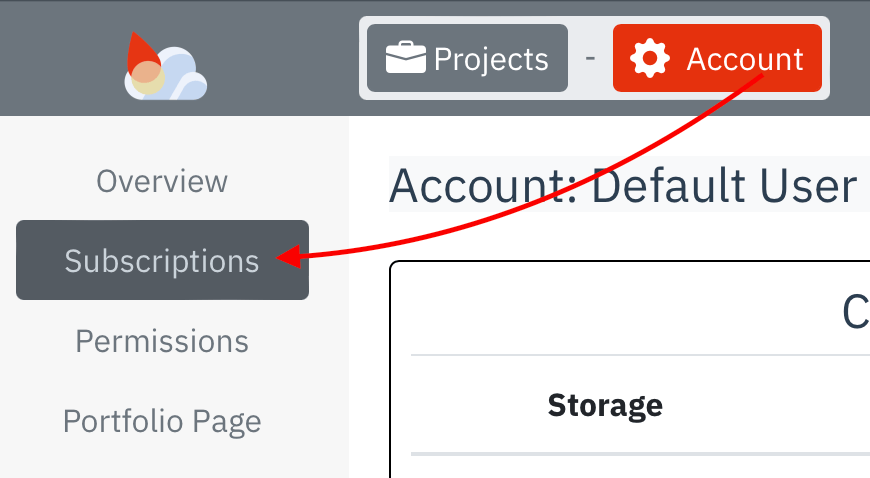
- Go to Subscriptions (Account Settings > Subscriptions).

Account Settings 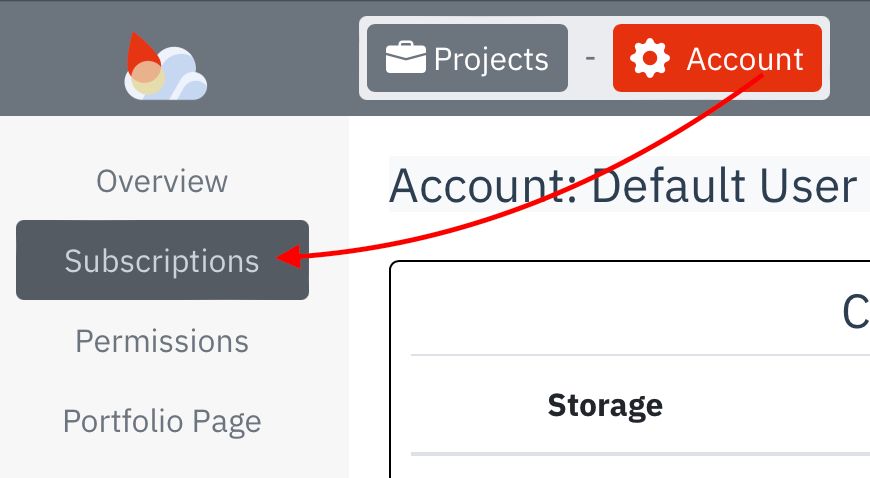
Subscriptions - At the bottom of the Subscriptions page, click Buy more storage/traffic.
- On the next page, scroll down and then add more Tokens to your cart. For €10.00 you’ll get 250 tokens.