Properties
The Properties panel is where individual settings are found for various features within the program.
The Properties panel adjusts to show the settings of the currently selected feature. For example, a hotspot selected in the Viewer will have its parameters in the Properties panel.
Rich Text Editor
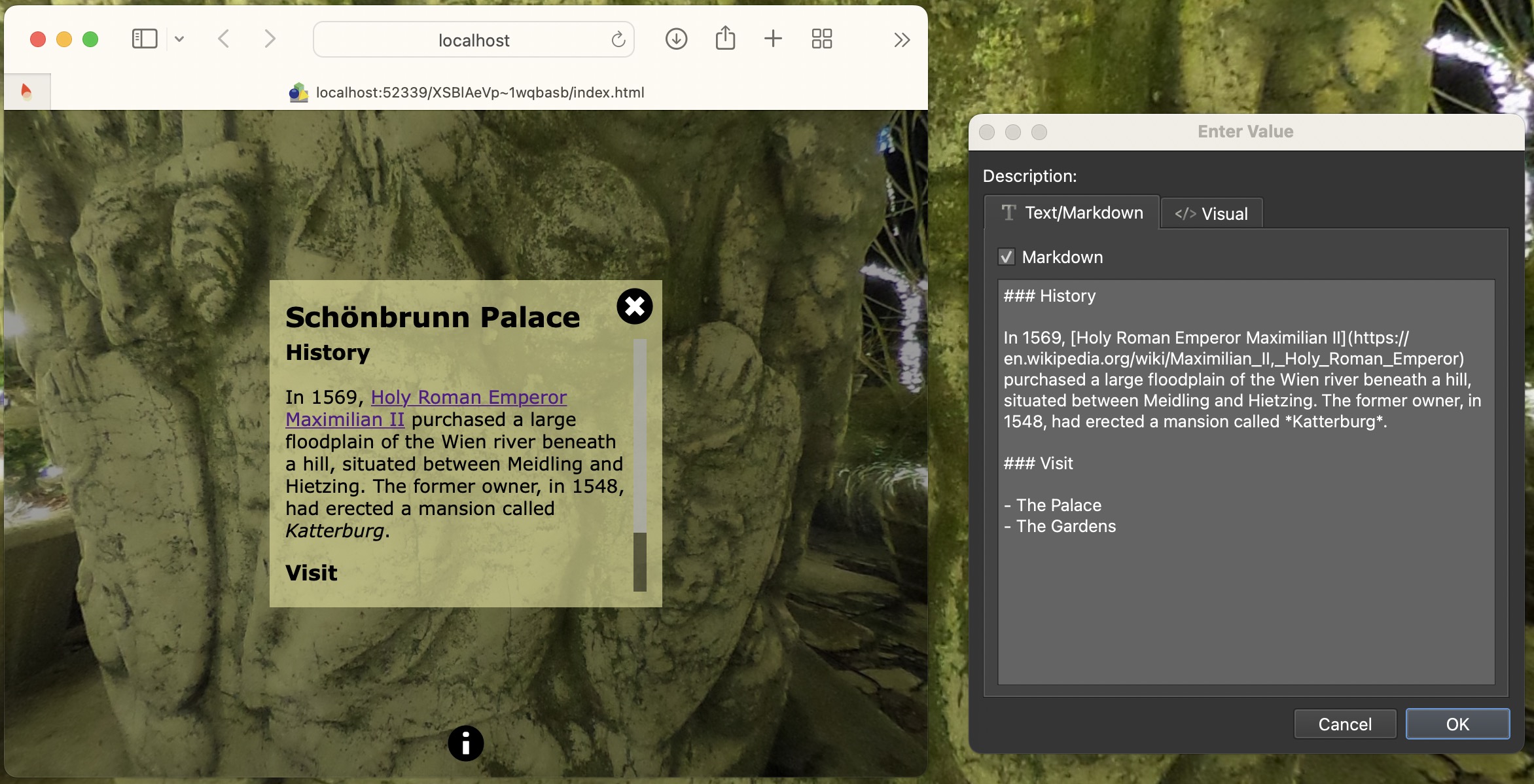
The rich text editor is found in many places of the program including the User Data fields, and Skin Editor for text input fields. Click the Edit button to open (pencil icon).
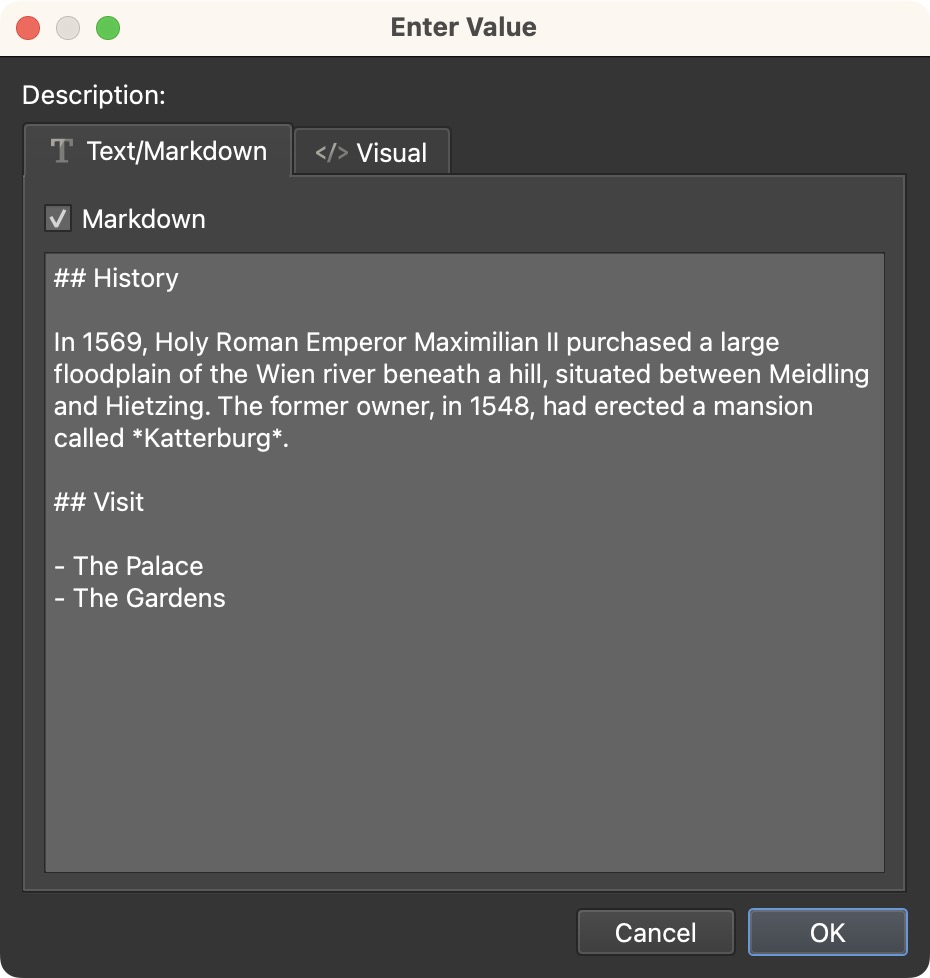
Use the text editor to write in plain text, rich text, and Markdown. Commonmark is the flavor of markdown that is supported in the editor.
Text/Markdown
The Text/Markdown tab is for writing plain text or Markdown.
If using Markdown, select Markdown.
The Markdown editor supports Commonmark. To learn Markdown or to see what Commonmark supports, visit this Markdown Reference.
Visual
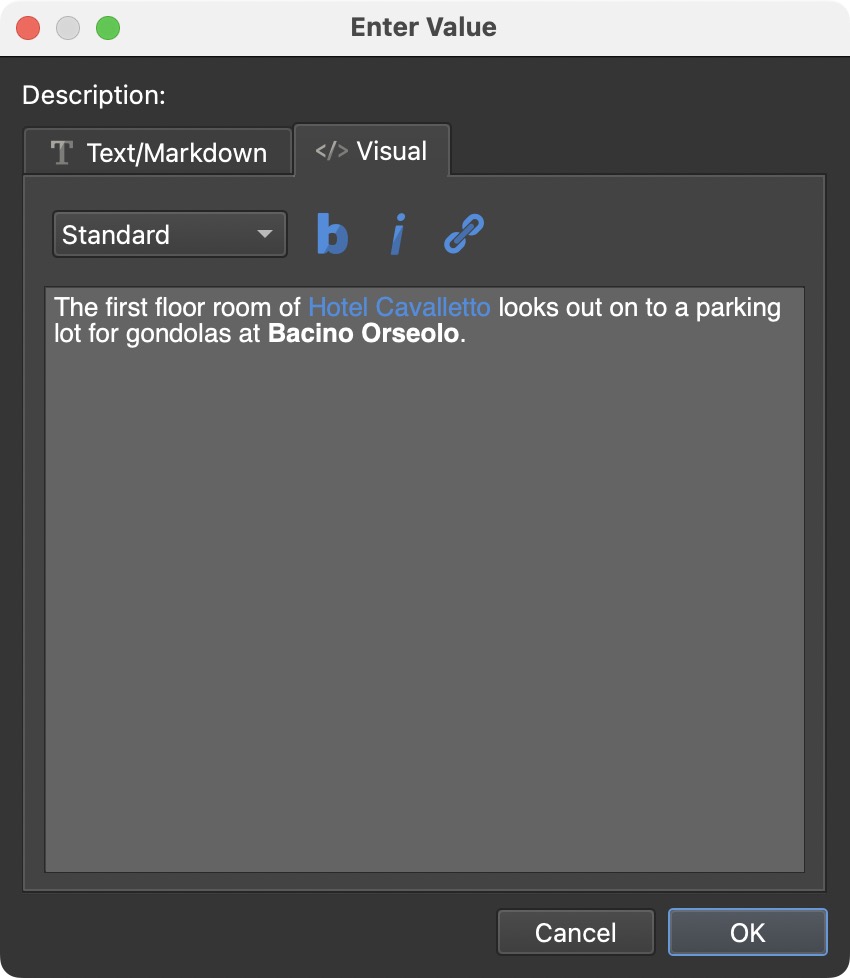
Use the Visual tab to write rich text. Here, you can choose the text style from the menu. The default is Standard. Next to the list is the option to change the text to bold, italic, and to a web link.