This documentation is for an older version. View the current documentation.
Pinned Videos
The video mode will allow you to pin videos to your panoramas.
Workflow
After loading an image into Pano2VR or opening an existing project, you can activate the video mode in the Viewer.
Double-click in the viewer to add a video. You’ll be prompted to add a file. Add the file and then use the Properties panel to adjust the videos’s settings.
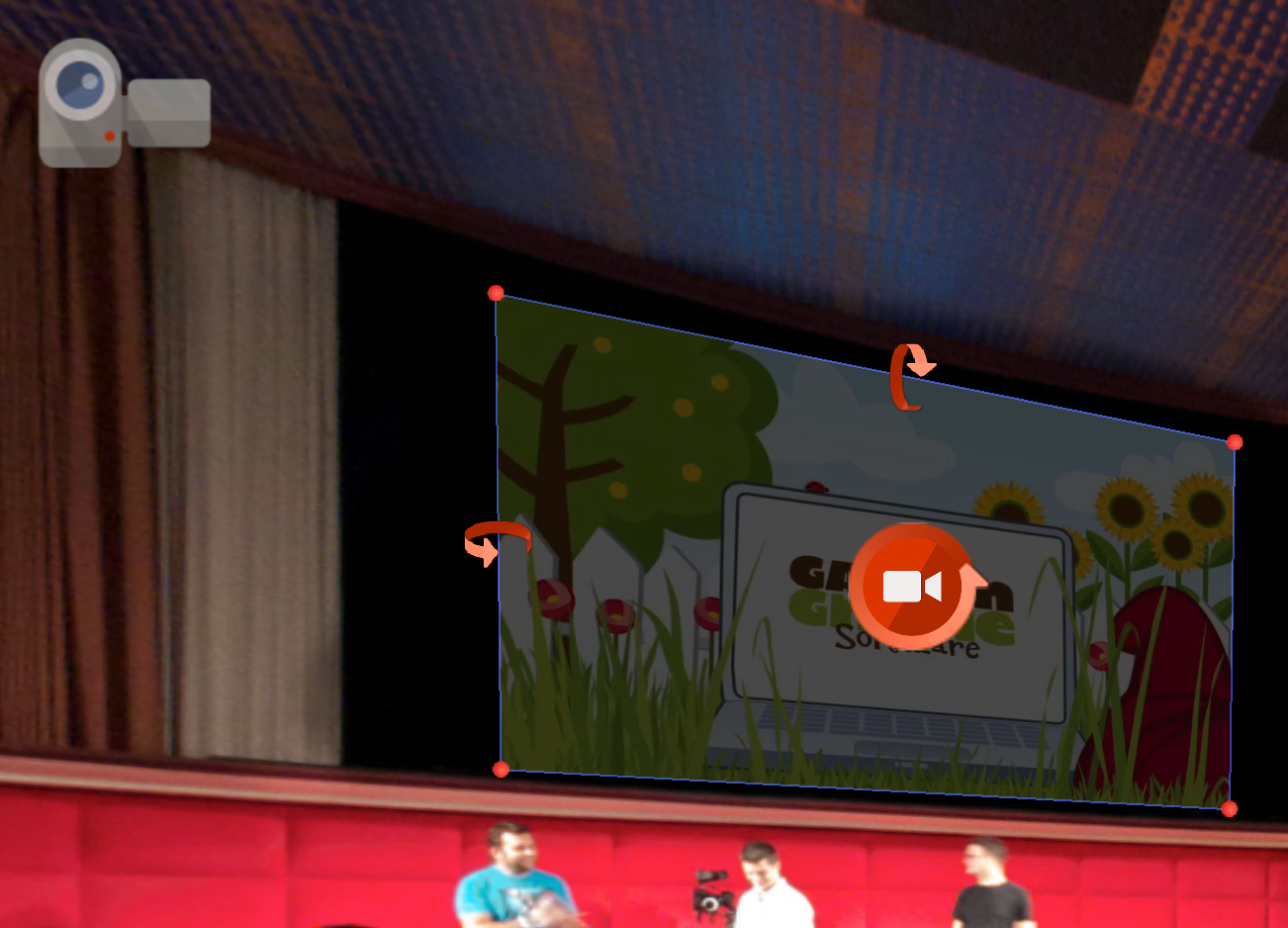
★ Note that Embedded Video is different in than Pinned Video in that a portion of a video is pinned and blended into the panorama and pinned video is the entire video pinned onto the panorama.