Normal Template
The normal HTML template is the default template that is used when exporting a web output. Use the template parameters to quickly configure it.
To configure the template, click the Edit Template button in the Web output Properties.
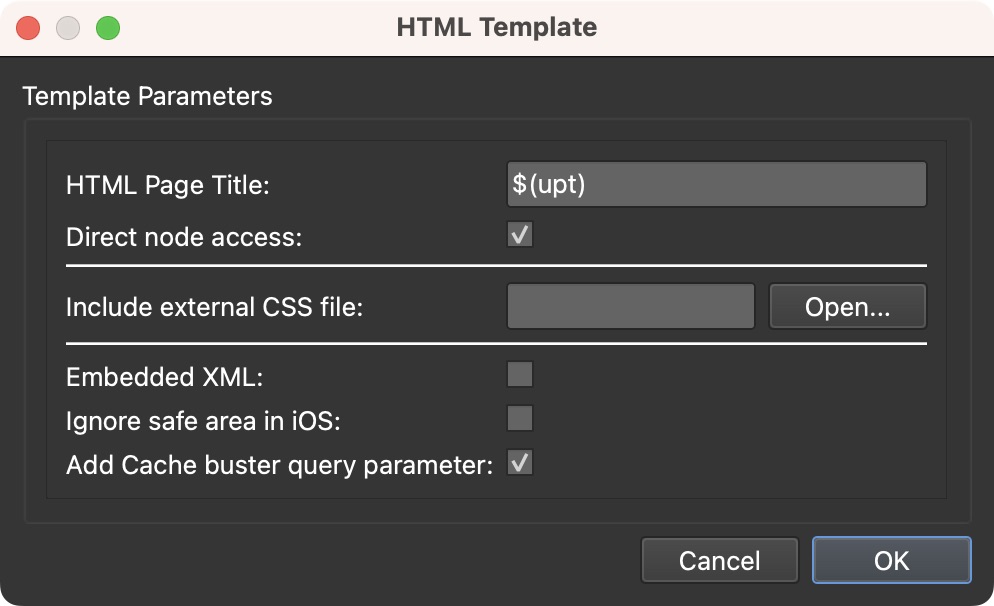
HTML Page Title – Adds a title for the HTML page. Enter the title here, or use placeholders to grab User Data from the master node.
- $(upt) – Title
- $(upd) – Description
- $(upa) – Author
- $(upe) – Date/Time
- $(upc) – Copyright
- $(ups) – Source
- $(upi) – Information
- $(upo) – Comment
- $(ufn) – Custom node ID
Direct node access – Select to directly access any node within a tour by
adding the node’s ID in the URL. For example: ../index.html#node5 or
../index.html#kitchen.
Include external CSS file – If using an external CSS file, add it here.
Embedded XML – Embeds the XML file in the HTML template. Good for when the external XML file cannot be read.
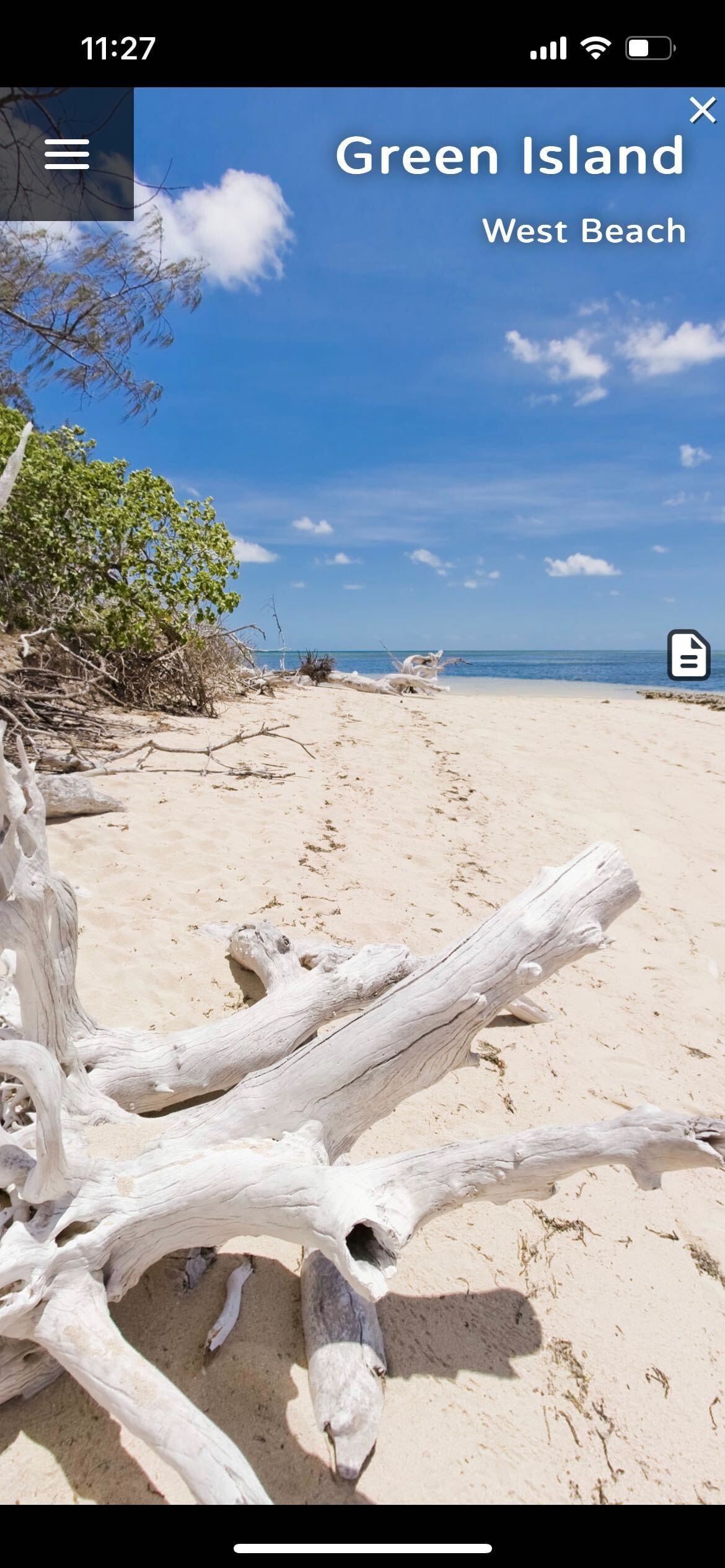
Ignore safe area – Select to ignore the to fill the entire screen of the device. Note that skin elements outside of the safe area may get obscured, or cut off or not function properly. Deselect to use the safe area and use in conjunction with Use Safe Area for Position and Size for a Container Element.
Add Cache buster query parameter – This is selected by default and adds a random query parameter to the HTML output and downloaded tiles to circumvent the browser cache on cloud upload and local preview.