This documentation is for an older version. View the current documentation.
Creating Popups
Learn how to create video and image pop-ups and more with hotspots and viewer elements.
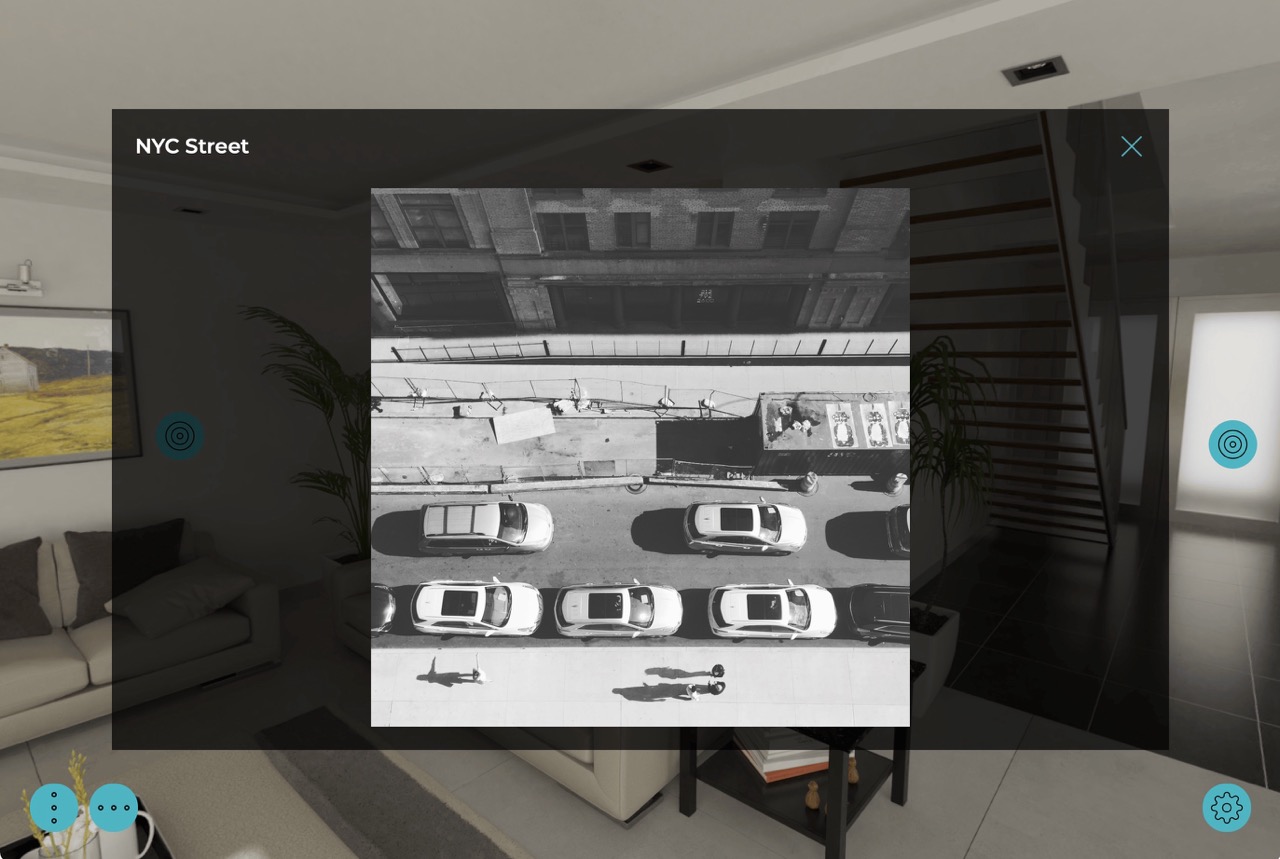
Popups are interactive tools or graphical elements that appear as an overlay over the main content. The benefit of popups is that information can be presented without leaving the current page.
In the output, popups are usually activated by clicking
- Point Hotspots
- Polygon Hotspots
- Buttons created in the skin
The simplest way to add popups is to use the built-in Components found in the Components Toolbox. Or use one of the built-in skins. They both use point hotspot templates with icons and designed popups boxes.