This is beta documentation. View the latest stable documentation.
Pinned Web Elements
Use the web element to pin websites to the panorama which will result in the content being correctly distorted.
Workflow
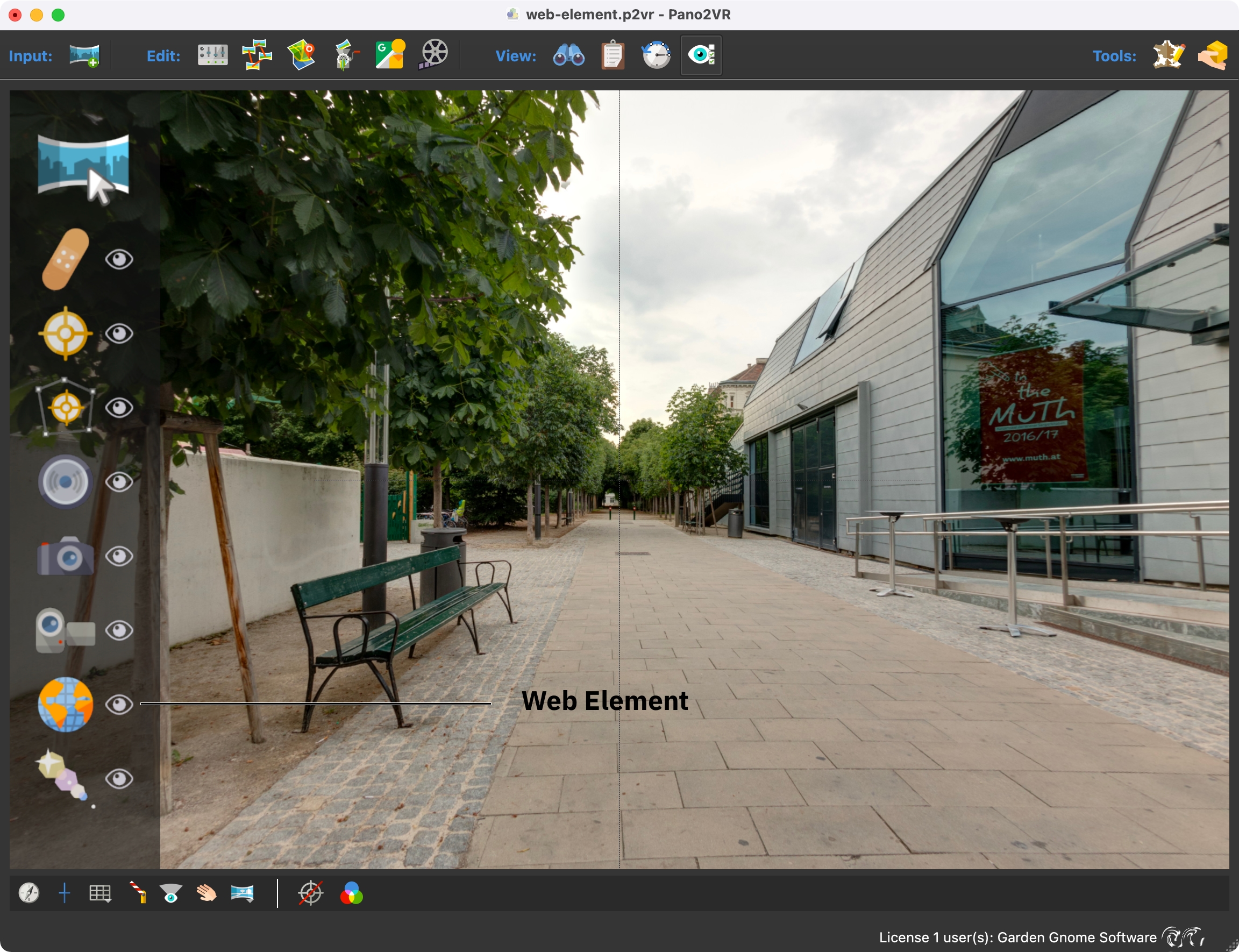
After loading a panorama into Pano2VR or opening an existing project, activate Web Element Mode in the Viewer by choosing it from the Viewer mode drawer or from the Elements menu.
Then, double-click in the viewer to add a web element. Then, add the necessary code or URL in the Properties.