HTML Templates
The Web Output exports an HTML file to play back the project in a browser. This is a template that can be edited to your project's needs.
A few templates are built in, and they are found in the HTML Templates folder. The built-in templates are read-only: each time Pano2VR starts, it puts back any of them that are missing, and an update replaces them with their new version. To change one, copy it under a new name, next to it or into your project folder, and edit the copy. A copy made in the Finder or File Explorer stays read-only, so first make it writable: on macOS, set your access to Read & Write in its Get Info window; on Windows, deselect Read-only in its Properties. You can also create your own templates.
$d in front of its name.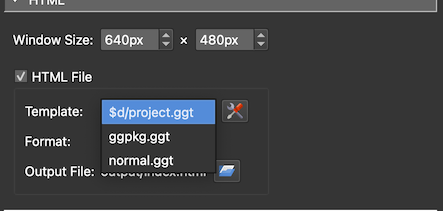
Choose which template to use in the HTML pane of the Web Output Properties. Click the Edit Template button next to it to change the template’s settings for this output.
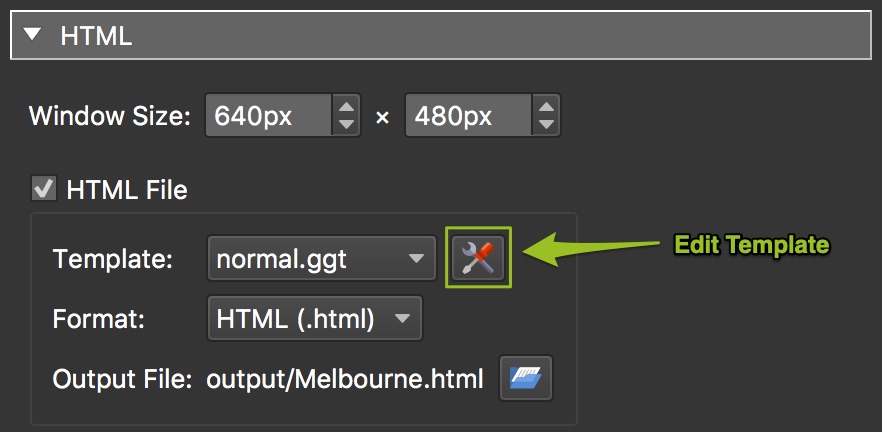
Shipped templates:
- normal – The default template. Its settings also create social media meta tags and landing pages for search engines.
- GGPKG – The template for the Garden Gnome Package format.
Templates can also be created or modified. See the documentation for the HTML templates.