Transformation Output
The transformation output allows you to re-project the panorama to create a thumbnail preview image or an image for print.
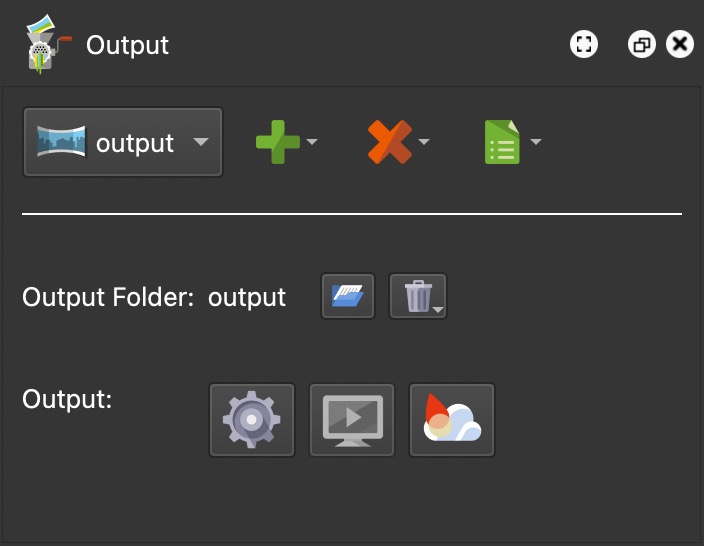
There aren’t many options here in the output panel as they are all located in the Properties panel.
Output Folder
All files associated with this output will be added to this folder unless
otherwise specified. Its default name is output. Its default location is the
same folder as the source image.
-
You can change the output folder’s location by clicking the folder icon and navigating to the new location.
-
Right-click the folder name to change its name or to find the folder’s location in Finder (macOS) or Explorer (Windows).
-
Erase Output Folder – Click the trash can icon to erase all the content from the current output folder.
Output
Generate Output – Click this button to generate the output (Option-Command-G on macOS, Ctrl+Alt+G on Windows). Option-click (macOS) or Alt-click (Windows) the button to generate all outputs of the project.
Open Output – Click this button to open the image (output must be created first) in your default image viewer.