Patching
Patching allows you to non-destructively extract a non-distorted portion of the input image without having to remap or convert the whole image. Add patches to hide faces, to add nadir caps, hide drones, and even adding roll-over effects.
Workflow
After loading a panorama into Pano2VR or opening an existing project open Patch mode from the Viewer Modes or hit A on the keyboard.
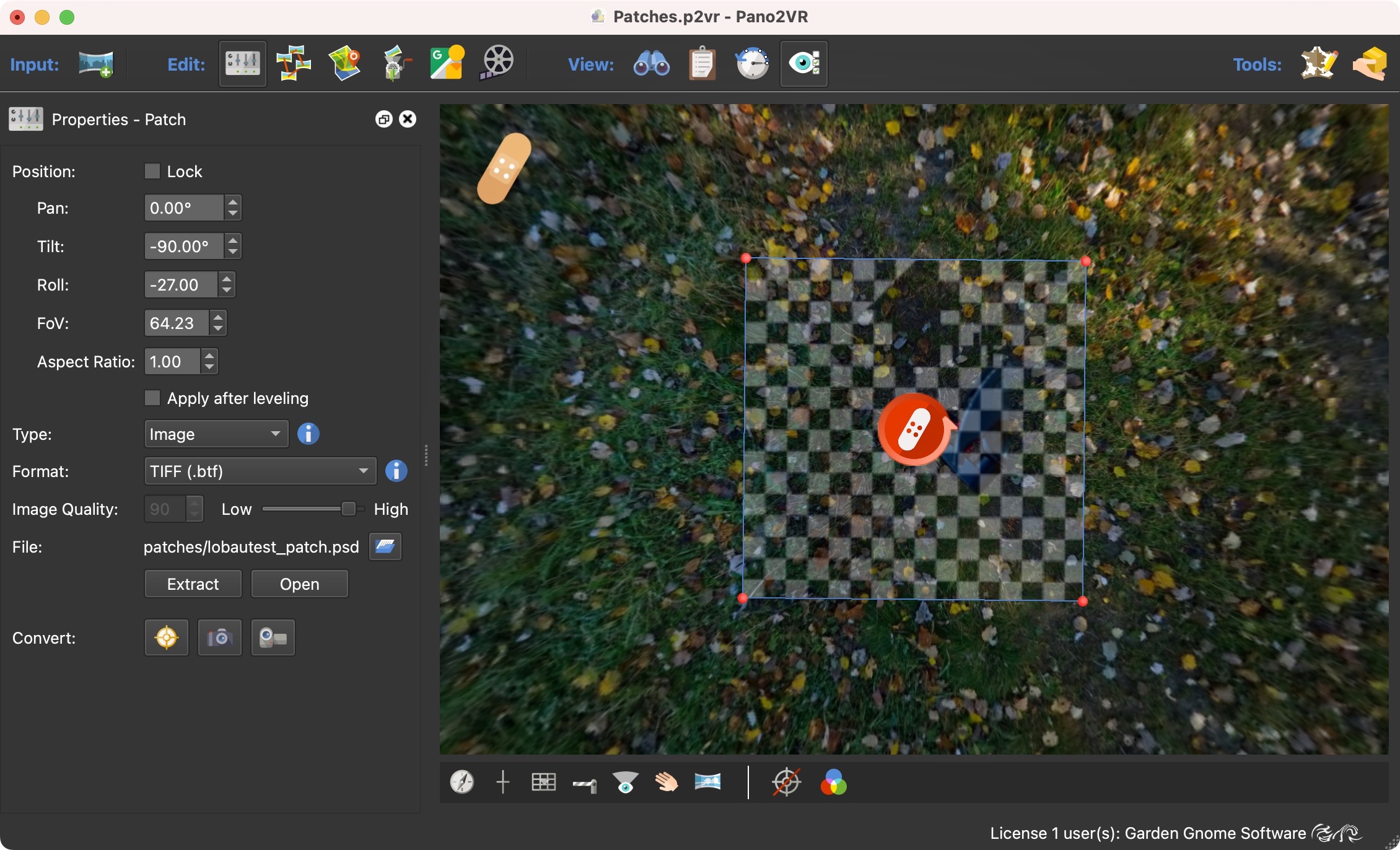
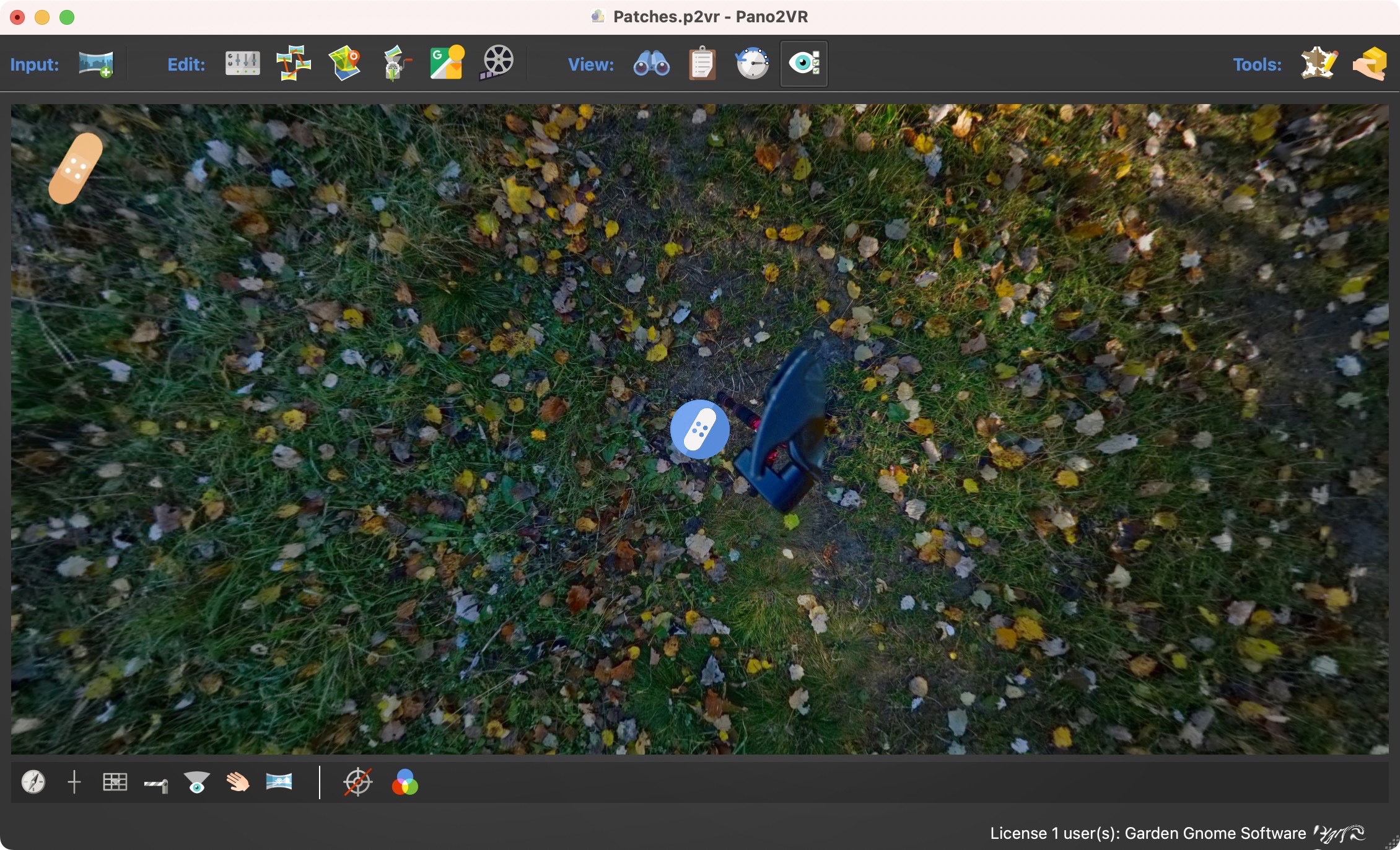
Double-click in the viewer to add a Patch. You’ll see the patch icon will appear and its properties panel will open. A red icon means the patch is active/selected, while a blue icon means it is not active. More on adding patches.
See all patches for a node and relayer them in List View.