Greetings from sunny and warm Vienna!
We have a few updates we’d like to tell you about! The Gnome Cloud site has been updated, and we’ve posted a few new tutorials.
Gnome Cloud
Gnome Cloud is our hosting service for projects created with Pano2VR and Object2VR. And we just updated the features and interface of the Gnome Cloud Dashboard.
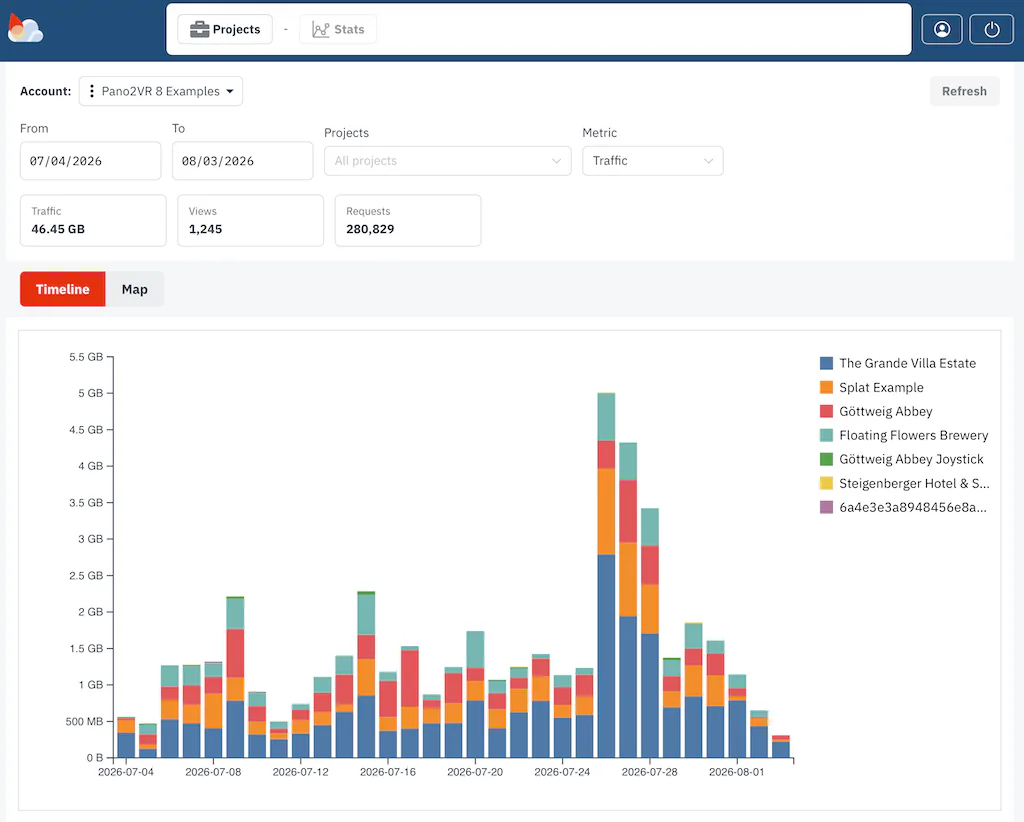
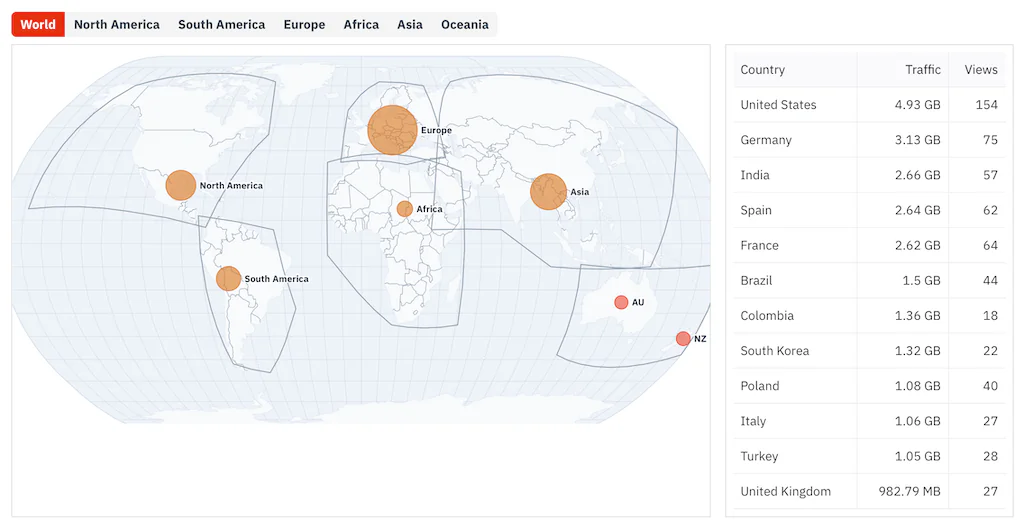
The first thing you’ll notice is the updated interface. The Stats section got the biggest noticeable change. You can now filter by a time range and a project. And that timeline is now visible with a colorful graph. Click the Map button to see a graphic of where your projects are being viewed.
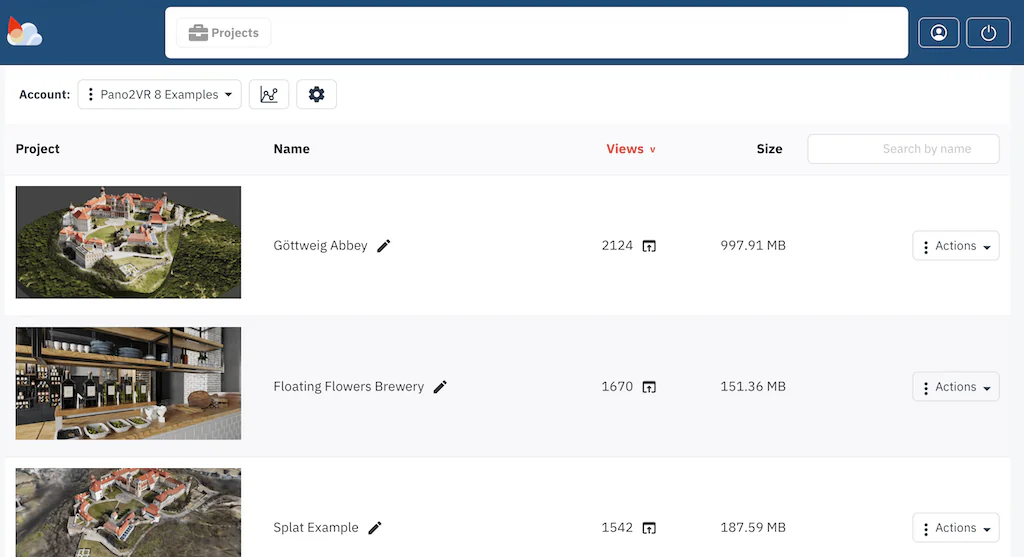
You can now also sort projects by Upload Date (Project), Name, Views, and Size.
If you’re using Pano2VR 8, you will also notice that projects upload faster!
Tutorials
In July, we published 3 new tutorials.
Extending Pano2VR with JavaScript
Thomas Brededfeld produced his last tutorial in his series, Extending Pano2VR with JavaScript. This last tutorial teaches you how to use the REST API and this interface to connect a Pano2VR project to external content.
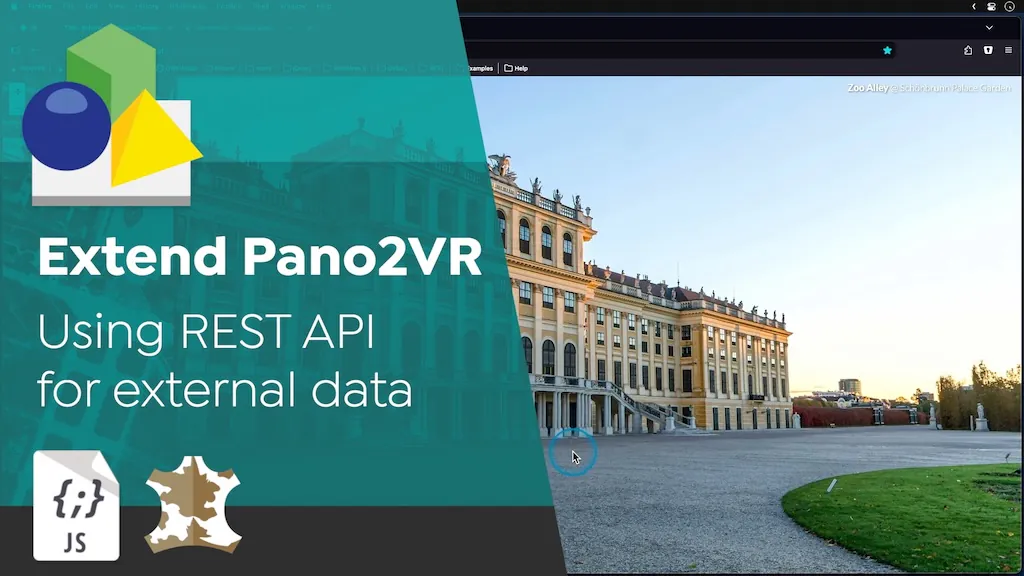
If you’re interested not only in learning about web development but also in expanding the features of Pano2VR, definitely take the time to watch the full series.
Extending Pano2VR with JavaScript
Working with 3D Models in Pano2VR
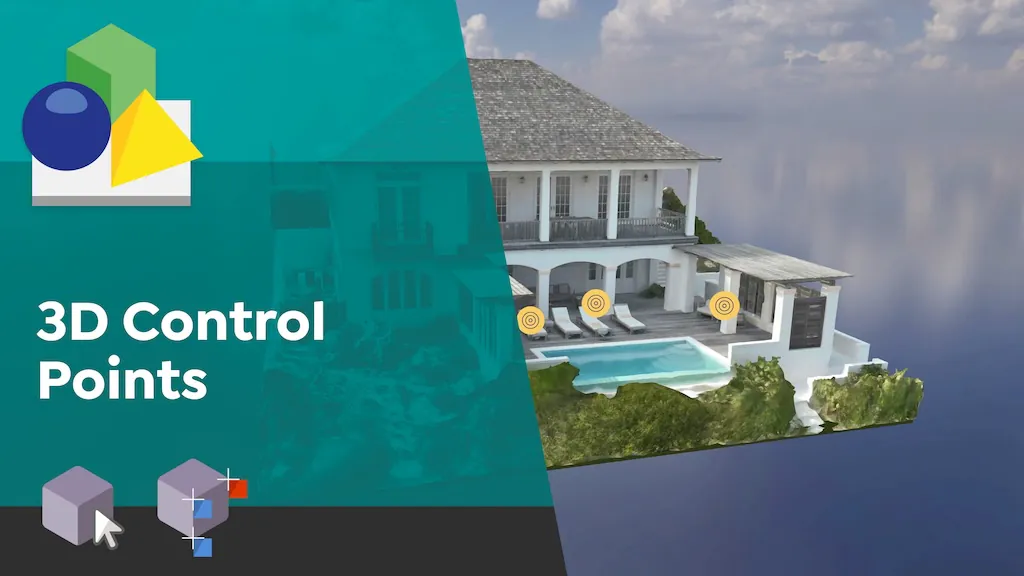
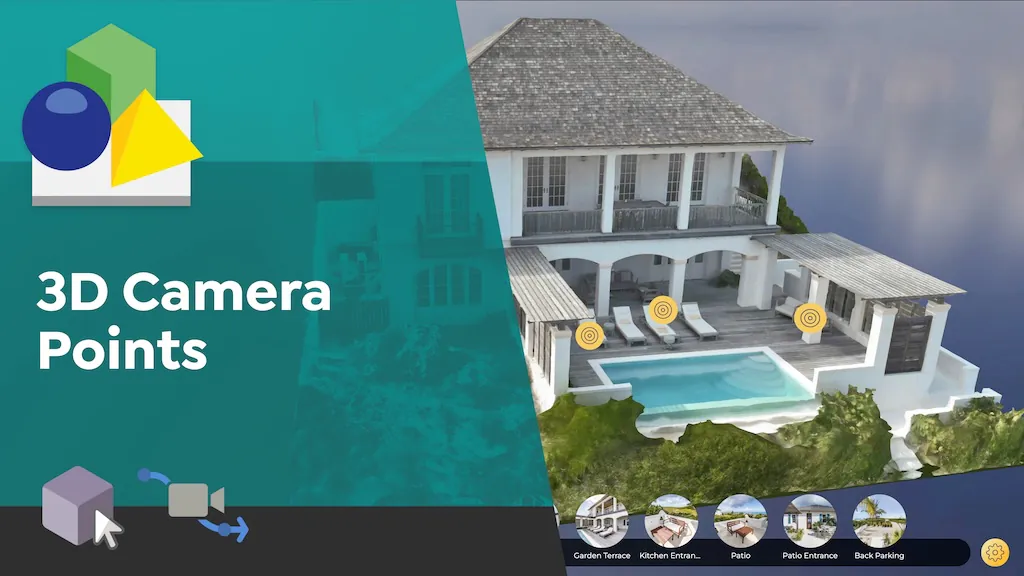
Since the release of Pano2VR 8, we’ve been gradually releasing tutorials on using 3D models in Pano2VR. Recently, we published 2 new ones: Working with 3D Control Points and Working with 3D Camera Points.
3D Control Points are used to precisely position and orient panoramas inside their 3D Model counterparts. Once you have the panoramas properly aligned, you can enable super smooth model transitions.
3D Camera Points are used to control those transitions. Different types of Camera Points solve different problems when creating a network of camera paths in a project. Watch this tutorial to learn how to avoid or go around objects in a model and how to manage a lot of camera points.
There is also a YouTube playlist that holds all the 3D model tutorials in one place.
You can find all of our tutorials in the Documentation pages, on YouTube and on Vimeo.
Pano2VR 8.0.6
Additionally, we’ve just released Pano2VR 8.0.6, which just fixes a few bugs.
Check for updates!