The Garden Gnome Package Viewer 2.0 is now available for macOS, Windows, iOS/iPadOS, and Android. The mobile update adds categories and sorting to help you organize your packages. We’re also bringing the Package Viewer to Meta Quest, where you can now view your Pano2VR and Object2VR projects offline.
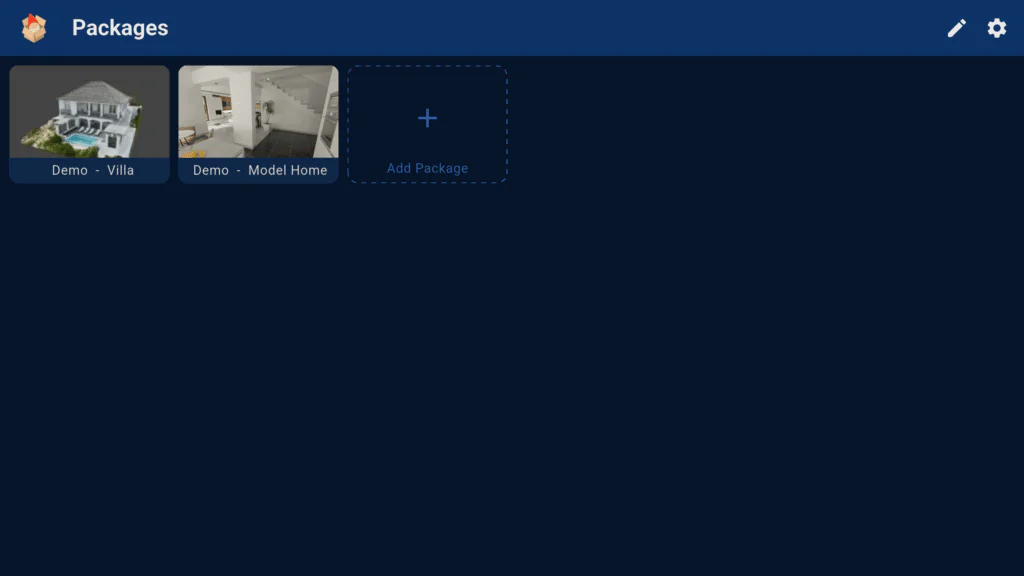
Package Viewer 2.0 for iOS, iPadOS, and Android
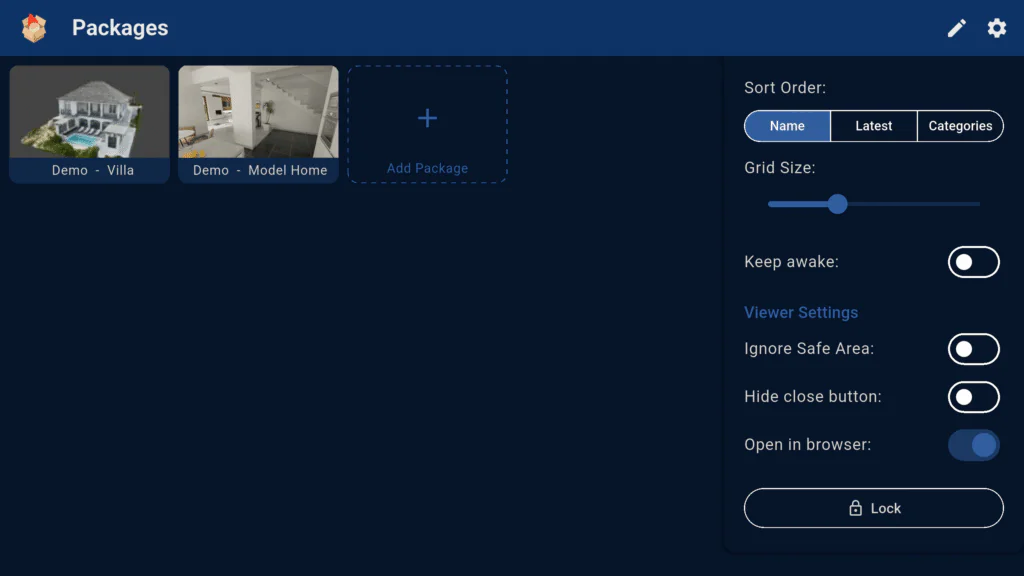
The update adds new features like categories and sorting. Enter the edit mode to add a category and then drag the project to the category. You can also now sort by date added and name.
Download the Package Viewer for iOS or Android.
Package Viewer 2.0 for macOS and Windows
The package viewer for desktop has been updated to 2.0 and is available to download from our website.
It now opens .ggpkg files directly, without unpacking them to a temporary folder first. This can reduce the wait when opening larger projects.
Package Viewer now on Meta Quest
Offline viewing on Meta Quest has been a popular request. With the Garden Gnome Package Viewer, you can now open your Pano2VR and Object2VR projects in the Quest Browser without an internet connection.
- Export your Pano2VR or Object2VR project as a Garden Gnome Package (
.ggpkg). If you want to view a Pano2VR project in immersive view, add a VR skin in the Web Output settings before exporting. - Download the
.ggpkgfile using the Quest Browser, or connect a USB stick containing the package. - Open the Package Viewer and select Add Package. In the file browser, find and select your
.ggpkgfile from your downloads or the connected USB stick. - Select the package in the Package Viewer to open it in the Quest Browser.
You can organize your packages by dragging them into categories or sort them by name or the date they were added.