This is a significant update that brings major improvements, new features, and new workflows. Right away, we want you to know that the features listed here are just the tip of the iceberg. To see everything that’s new and what’s been changed and fixed, see our What’s New page.
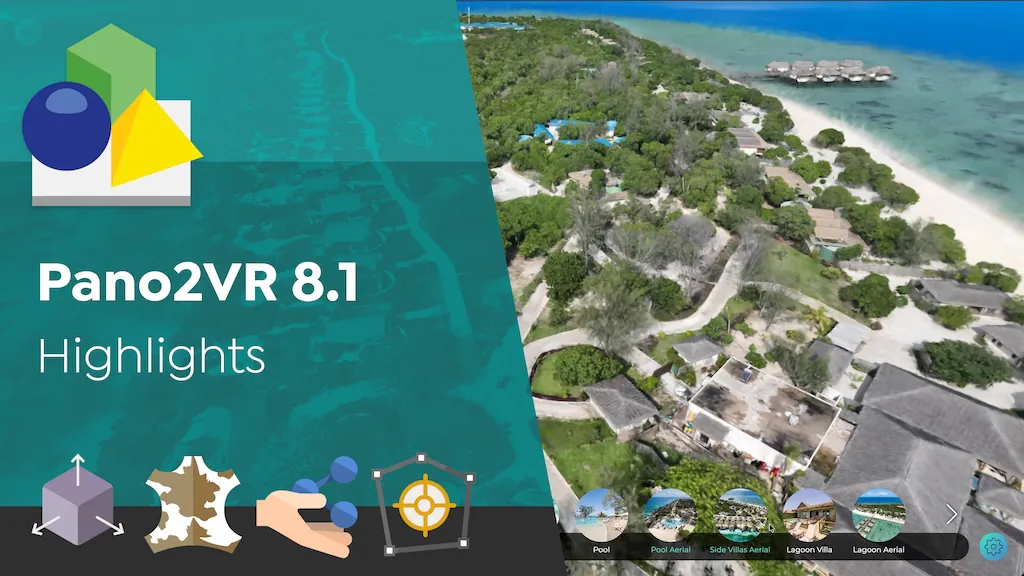
More Powerful 3D Models and Gaussian Splats
We’ve made major improvements to 3D models and Gaussian splats in 8.1, with new features as well as a lot of work under the hood to make them faster and easier to work with.
Better Gaussian Splat Workflows
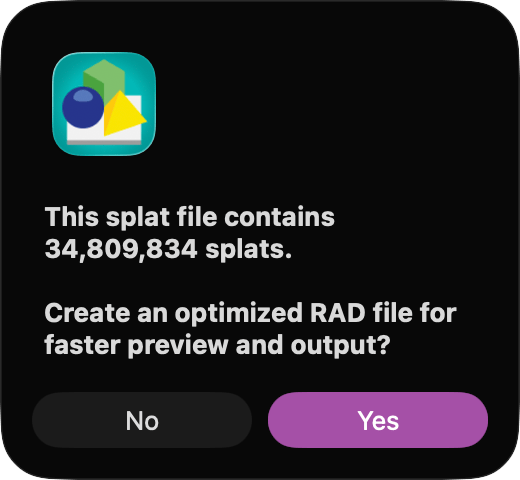
Gaussian Splats can get really big really fast. Working with large splats can be very taxing on the computer’s memory. To help with this, we’ve added optimization on input, where Pano2VR will create an optimized version of the splat to work with in Pano2VR.
When outputting the project, Pano2VR uses level-of-detail loading so the player can load the appropriate level of detail as needed, improving performance across devices.
Animate 3D Models
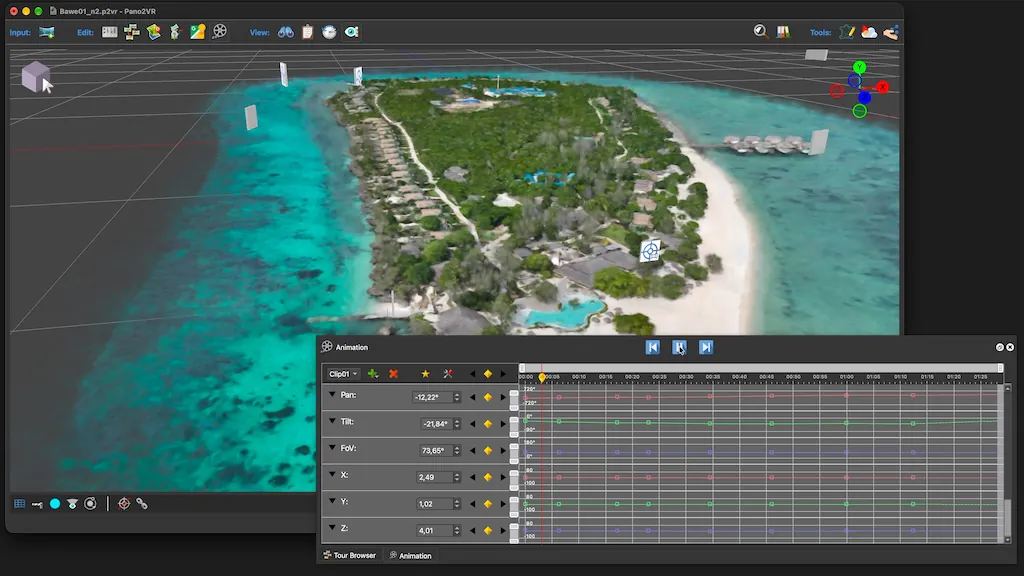
The Animation Editor got an update to support animating 3D models. You can now animate the camera position and camera mode to create flights through a model. And if your 3D model contains its own animations, Pano2VR can play them and let you create interactions with them as well.
You can control model animations from the skin, and there’s also an option to automatically play the first animation when the model loads.
- See an example of an animated camera (click on the helicopter)
- See an example of a 3D model with animation
Other improvements
- Model Transformation now has its own position, orientation, scale, and lock
- Transitions from a model to a node follow the nearest chain of camera points
- Models without a background image show the panoramas as their sky during transitions
- The Overview panel shows the model’s objects and animations as a tree
Connect your AI Agent
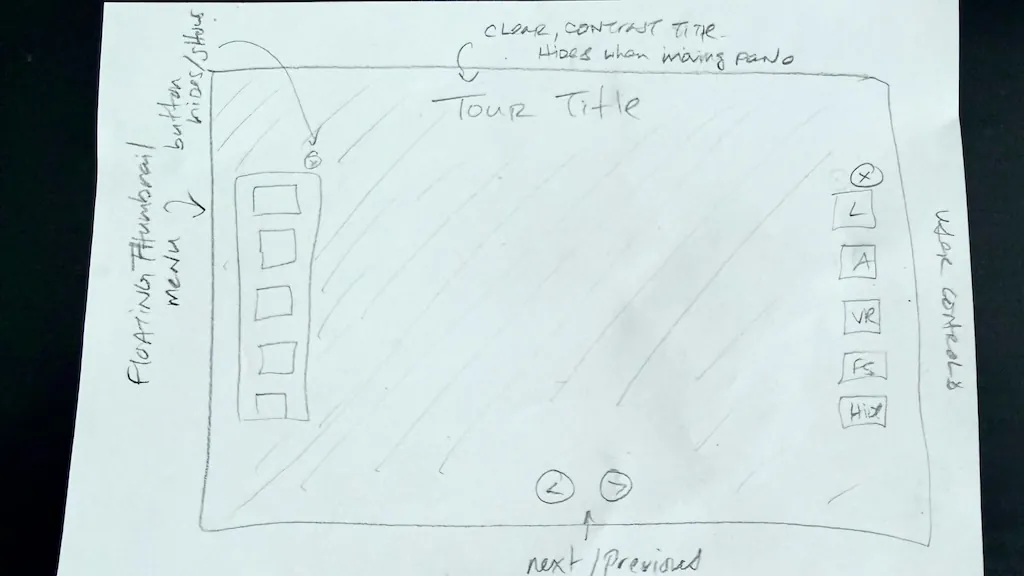
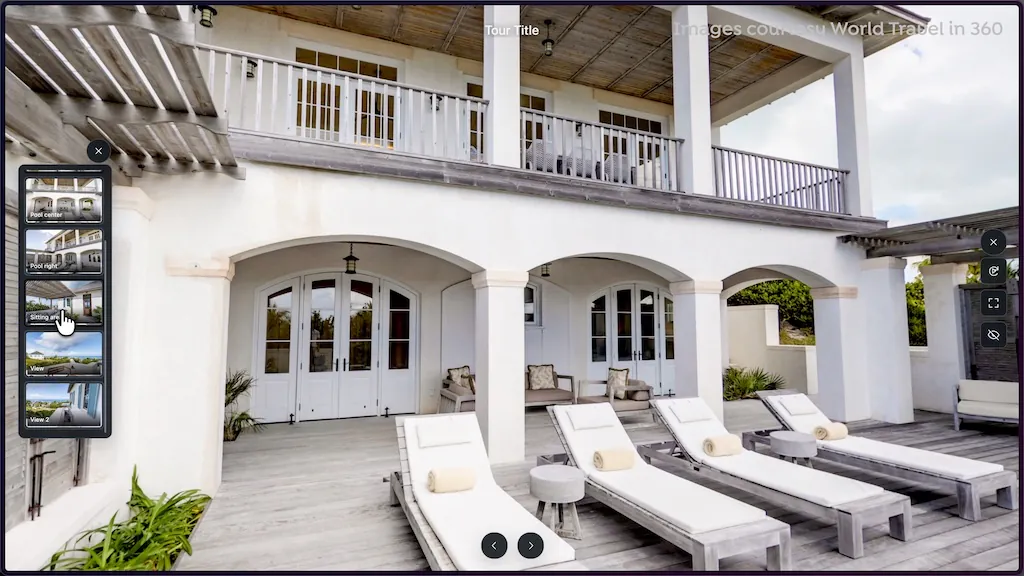
Pano2VR 8.1 now includes a built-in MCP server! This means that you can connect your AI agent, like Claude, ChatGPT, CoPilot, etc., to Pano2VR and let them help you build and design your skins. For example, we gave ChatGPT a hand-drawn sketch and a simple prompt with very little instruction. The result was pretty spot on and fully functional. From there, the skin can be further refined with additional prompts. 

Polygon Hotspot Borders
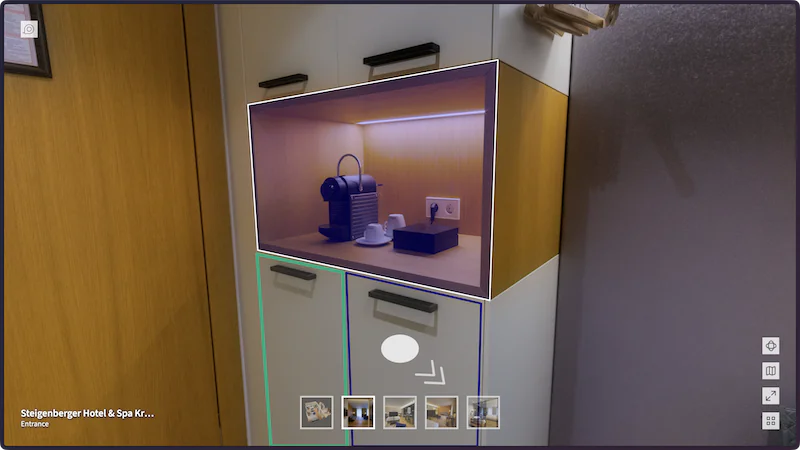
Polygon Hotspots can now have a custom line width, giving you more control over how their borders appear. So go and make your borders thick and colorful.
Measure Tool
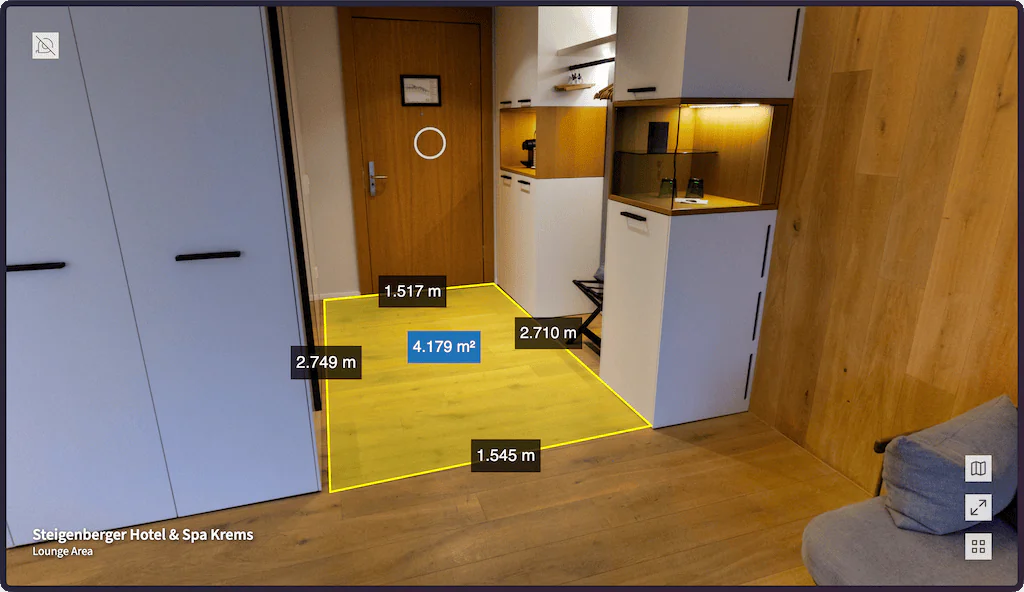
Use the built-in Measure Tool component to let people measure areas and distances within the panorama or model. The cool thing about this component is that if you use one of the built-in skins, it will automatically be styled for that skin.
New Quick Share
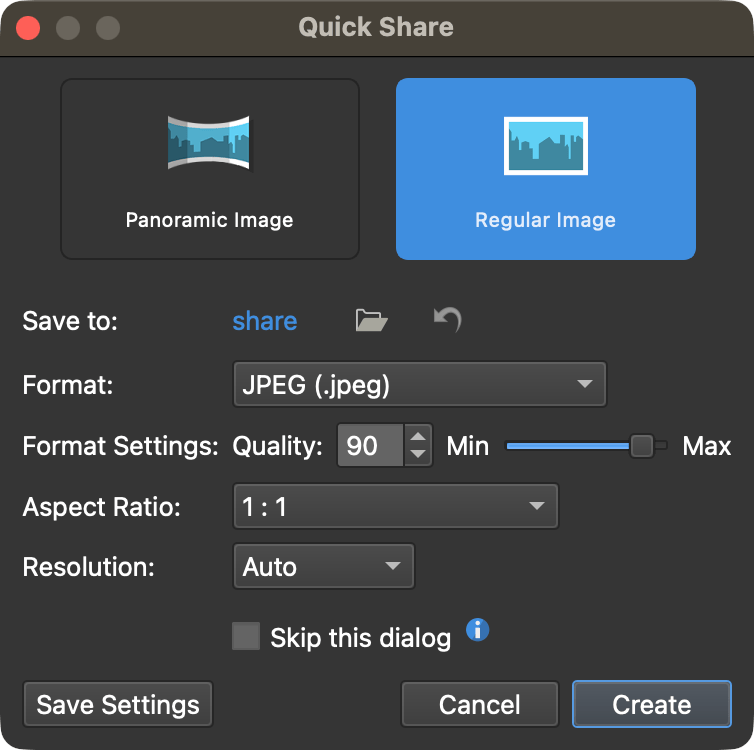
Quick Share has been reworked with more options for sharing images. In addition to sharing the entire panorama, you can now save the current view as a Regular Image and choose its format, aspect ratio, and resolution.
And once you have everything set the way you like it, you can skip the dialog for one-click sharing.
Project Search
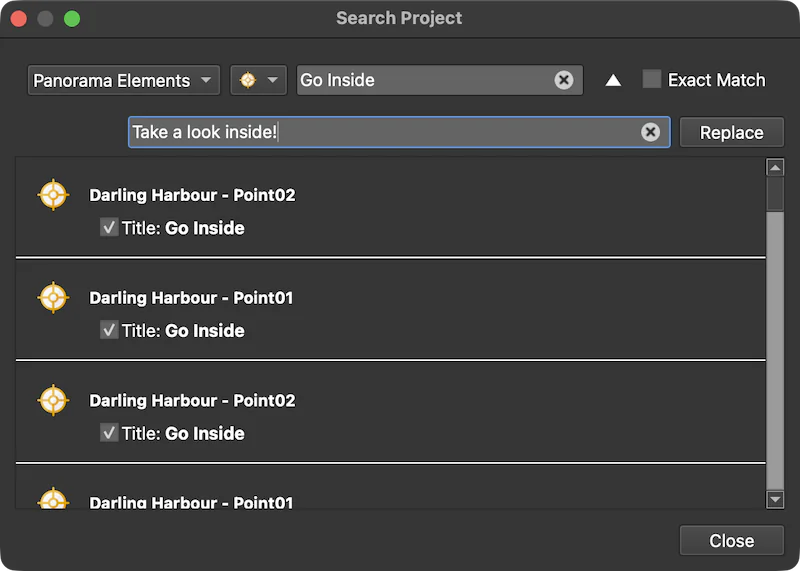
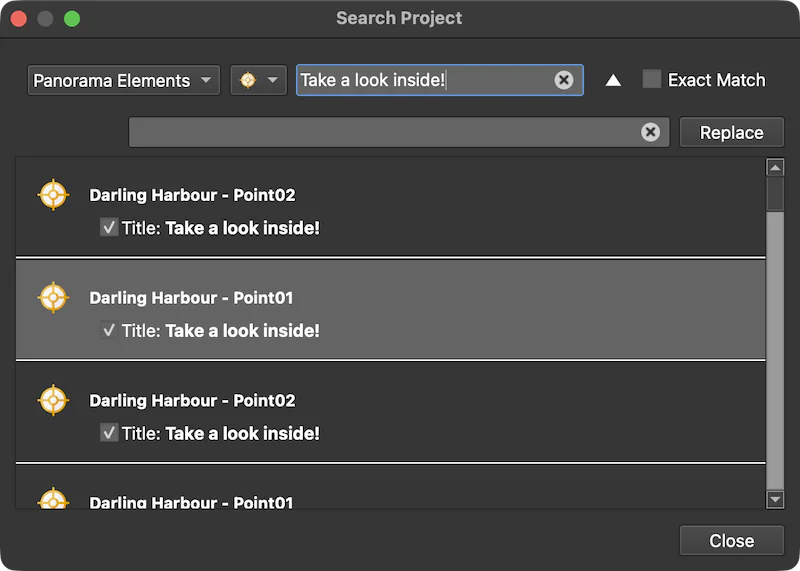
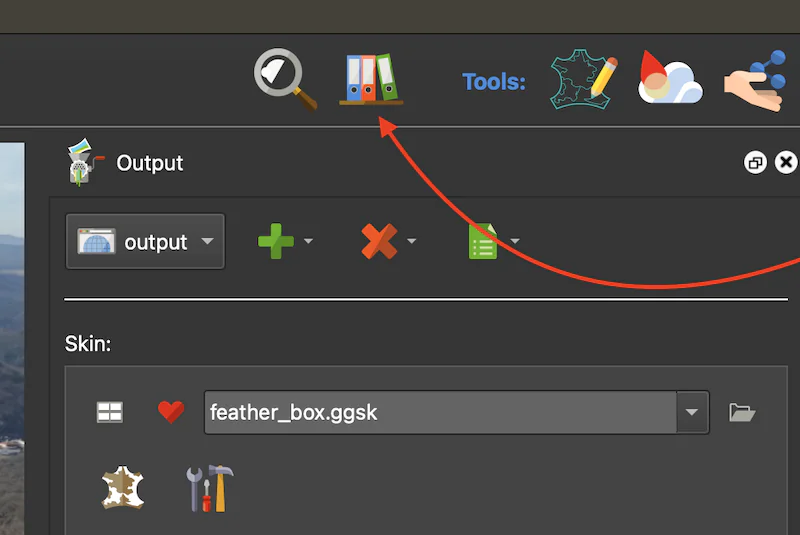
You can now find anything in your project with the new Project Search. Access it from the toolbar in the upper right of the Main Window and then search away! If you’ve used search in the Skin Editor, you’ll already be familiar with the window and layout.
You can use this not only to search but also to replace content in User Data, Hotspots, filenames, project settings, and in the skins that are in the project’s Web Output, and more. Need to change the same hotspot text throughout a large tour? Project Search can find and replace it across the entire project.

Help Tool
Next to Project Search in the toolbar, you’ll find the new Click for Help button. Click it and the pointer turns into a question mark. Then click any control in Pano2VR to jump directly to the corresponding section in the documentation.
You can also skip the Help button altogether. Just hover over a setting in any panel that has focus and press F1 to open its corresponding documentation.
Subtitles Support
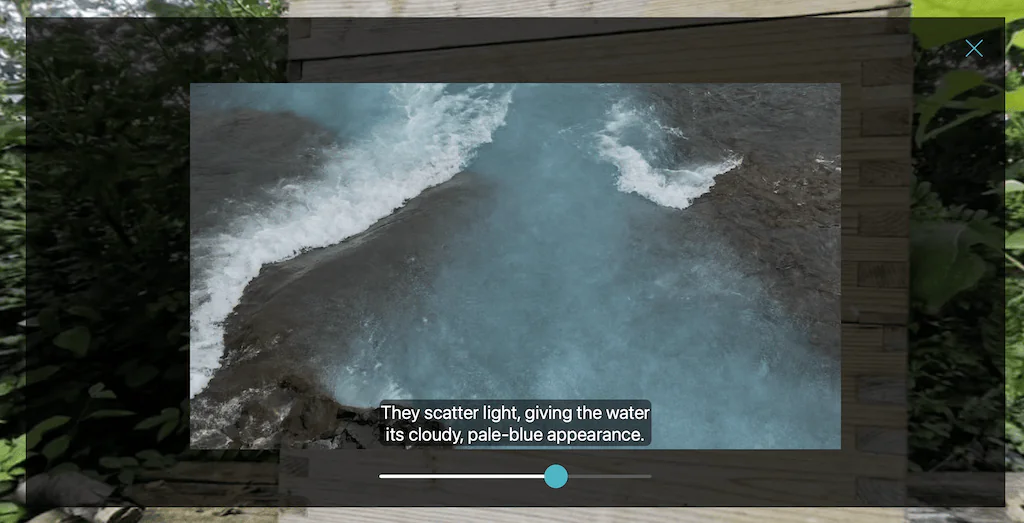
Pinned videos, video hotspots, skin videos, and video panoramas now all get subtitle tracks. Add your VTT or SRT file and that’s it! Pano2VR automatically picks up subtitle files named after the video, including translated versions, which can follow the tour’s language switch.
Skin Editor
As always, we added features and improvements to the Skin Editor as well. There are quite a few, so here are some of the more interesting updates:
- Searchable variable picker instead of navigating long variable menus
- Filter the skin tree by element type or color
- New Icon Sets in the Components Toolbox
- Choose a hotspot’s custom image directly from the Components Toolbox
- New Interaction Timer that responds to actual user input rather than auto-rotation
- Search skins by element type
- Quaranta gains map and floor plan support
- Reworked Skin Action Editor
And that’s not all
These are just some of the new features and changes we’ve added. There’s so much more like:
- SEO landing pages and a sitemap.xml
- Social media meta tags with tailored preview images
- Faster and leaner web output
- System spell checking in text fields
- Faster Gnome Cloud uploads with automatic retries
- More reliable Google Street View uploads
So do check the What’s New page!
Check for Updates
If you have selected Include beta versions in Pano2VR’s settings, when you check for updates, you’ll see the update. Alternatively, you can always download it separately and run it next to Pano2VR 8.0 while 8.1 is in beta.
This is a free update for all Pano2VR 8 license holders!
Pano2VR 7.1.14 and 8.0.8
We’ve also released Pano2VR 7.1.14 and Pano2VR 8.0.8. Both are maintenance releases with various fixes and improvements.
One notable fix addresses a recent change to Chrome’s APIs that could cause the gyroscope to appear as available on devices that don’t actually have one.
Check the changelogs for Pano2VR 7.1.14 and Pano2VR 8.0.8 for the full list of fixes.
If you have any issues or questions please write to us at [email protected].