
We are very happy to announce the release of Pano2VR 8 beta that now supports 3D models. Read on to check out all the new features!
3D Model Support
Pano2VR’s Viewer is now used to view 360º panoramas and 3D models, including meshes and Gaussian Splats. You can use the models as nodes in the tour, as interactive objects, or for transitions between nodes in a virtual tour.
See Them in Action


Model Transitions
One cool thing about 3D models is that we can use them for smooth transitions between nodes. The model does not need to be part of the tour (use our new option Hide in Node List to indicate that this node should not be visible in a skin’s menu).
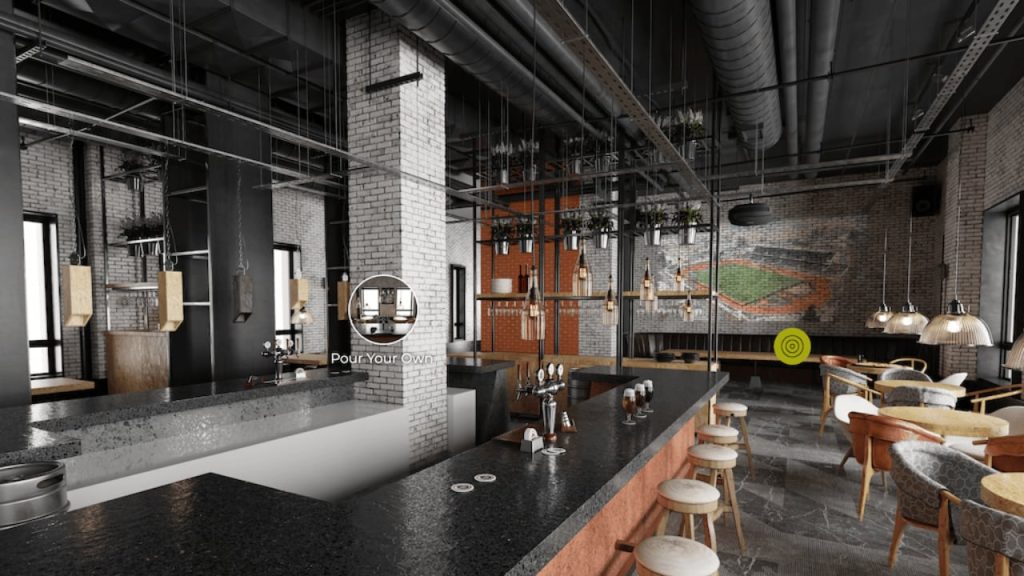
Using a model for transitions is easy work, using control points to project the panorama to the model. In the example below, a model is used only to create the transitions.
Project Wizard
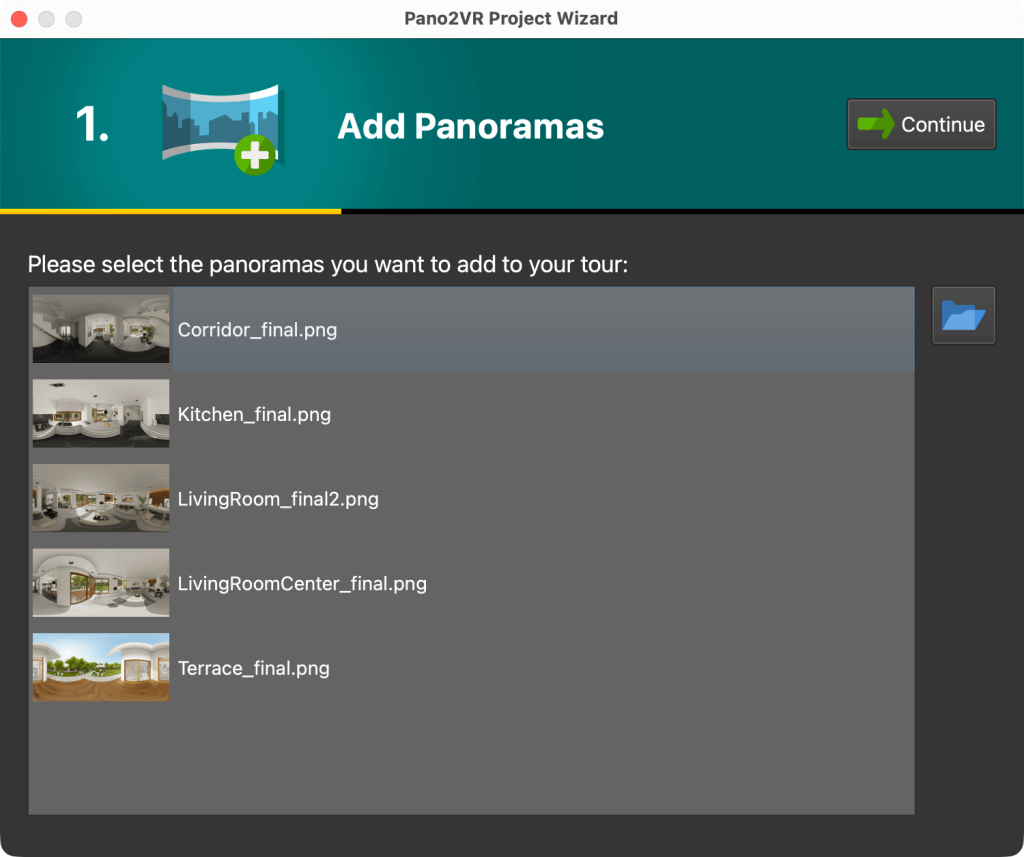
To get a project started and finished faster, we added a Project Wizard that will help you build a project in just 3 steps: drag in the panoramas, pick a skin (your interactive user interface), customize it if you like, and then generate the output which will be a Web Output (a folder that contains all the files needed to upload your project to a web server).
User Interface
Pano2VR got cleaner icons, some new icons, and a new way to view skins in the Web Output.
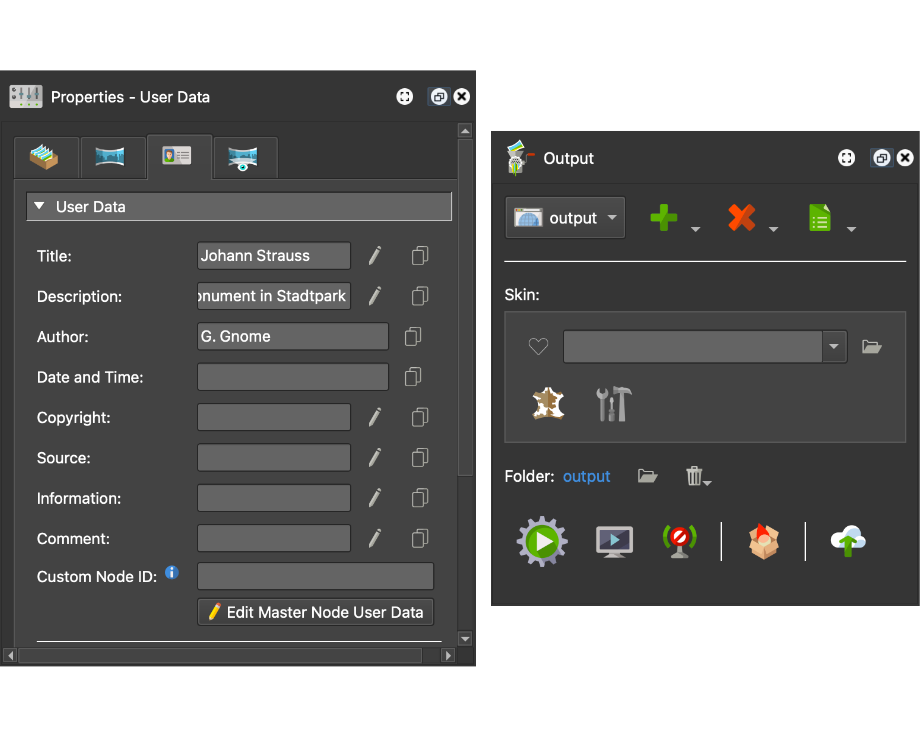
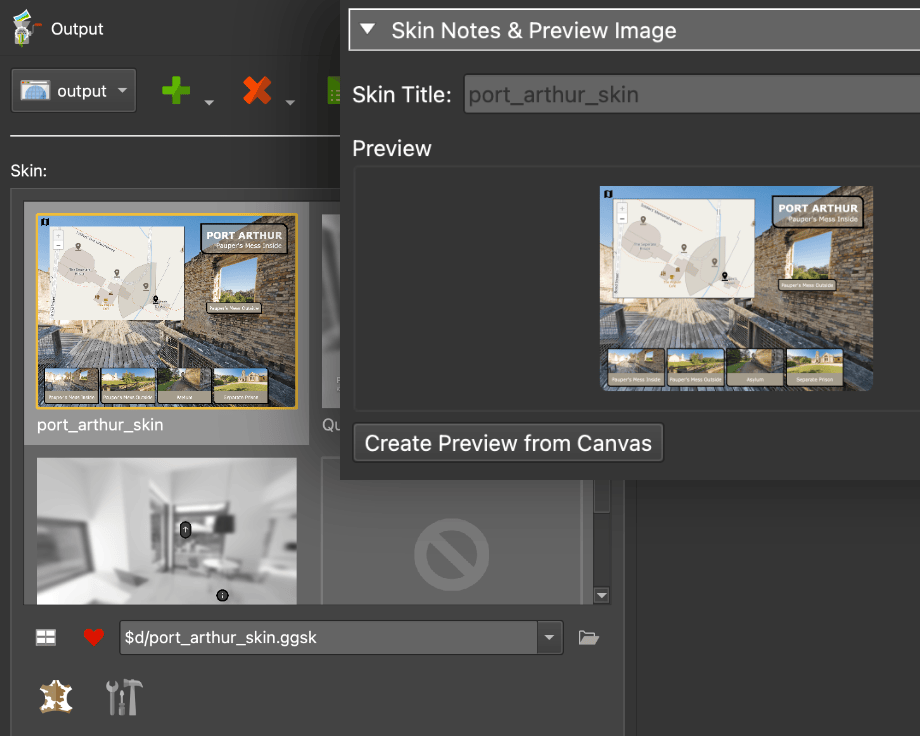
Choose a skin by clicking its preview image. All skins selected as a favorite (❤️) will be added to this skin grid. By default, all built-in skins are favorites and therefore in the skin grid. To add your skin to the grid, mark it as a favorite, and if you want, add a custom preview image in the skin’s properties.
Quaranta Skin
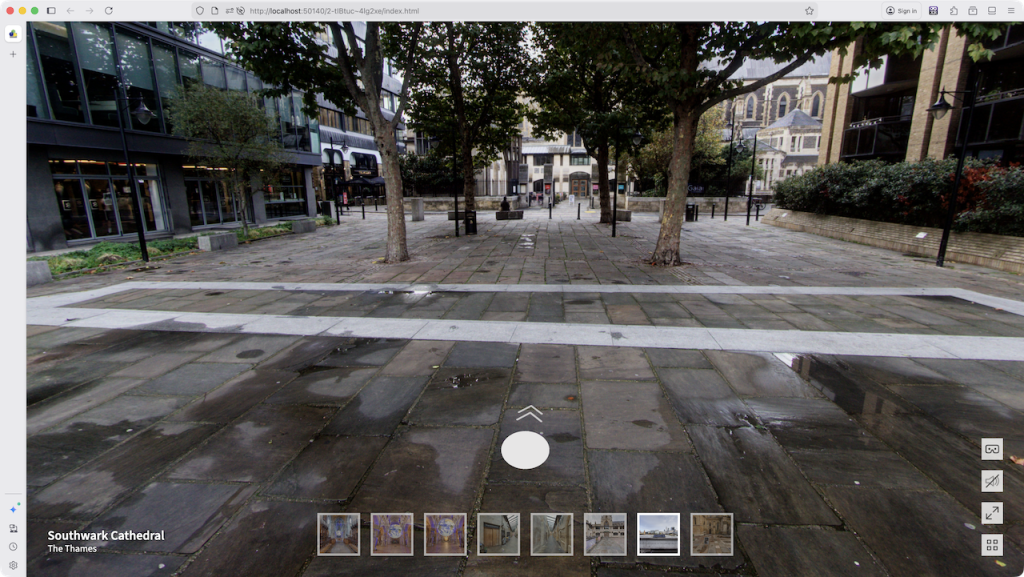
Pano2VR 8 gets a new default skin called Quaranta. It’s a super versatile skin with clean graphics. It features navigation arrows with preview images, and an option to display a thumbnail menu.
What’s different with the Quaranta skin is that it has a dark and light theme, and you can choose the shape of the icons.
Color Themes
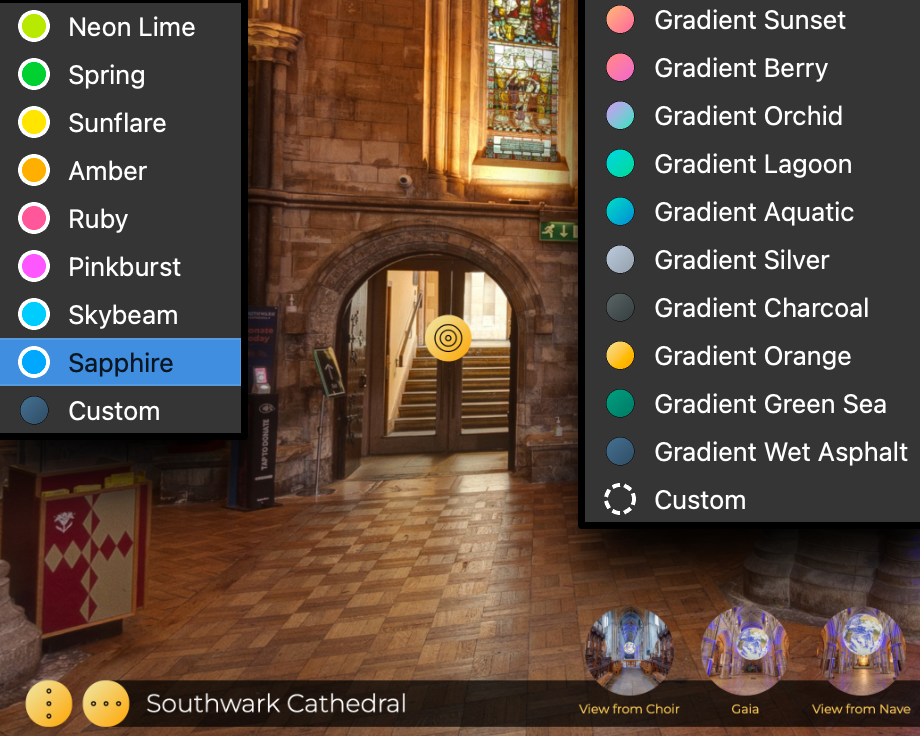
Some of the built-in skins now feature color themes, including gradient colors. Feather Box and Feather Orb have many colors to choose from. The Neto skin includes the bonus Unicorn and Rainbow color themes for a bit of fun!
Natural VR Hands
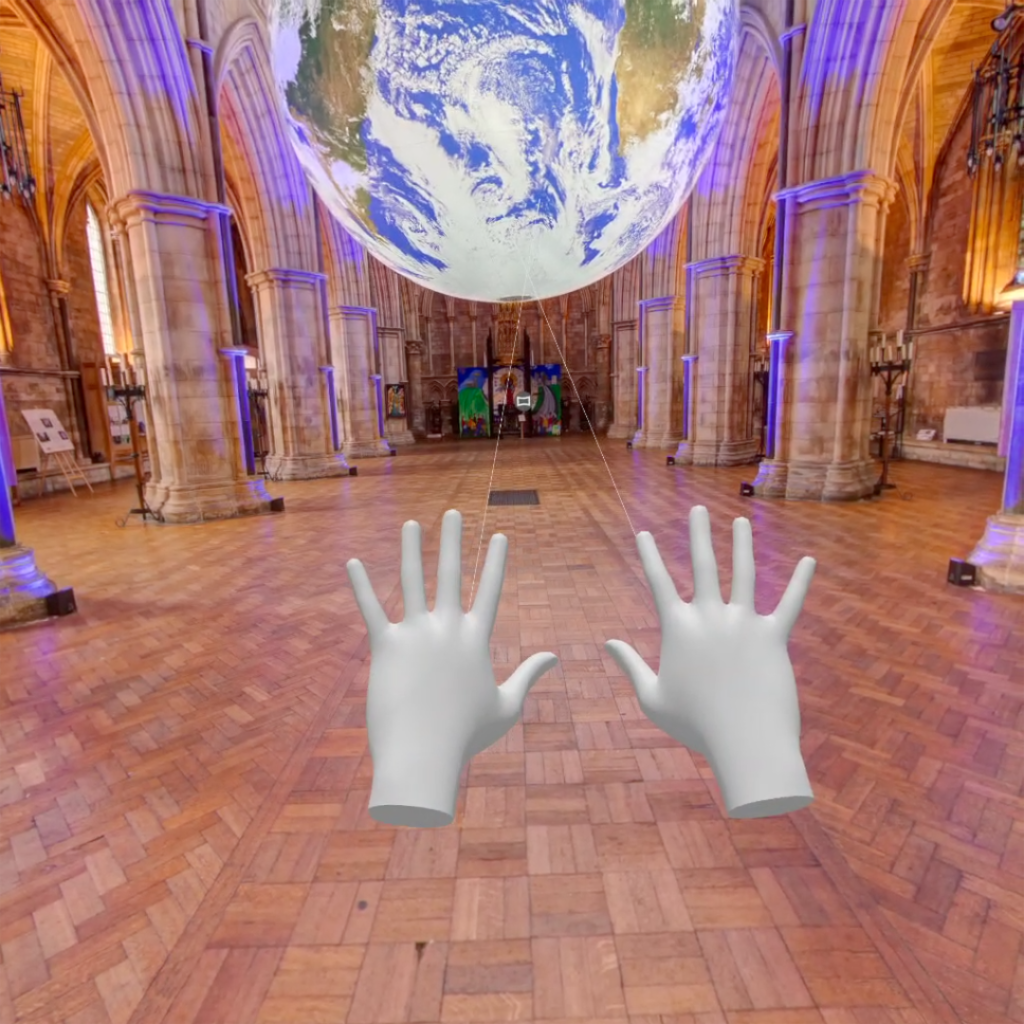
You can now choose more natural-looking hands in VR.
New Project File
Version 8 introduces a new project file format. Version 7 projects will work in version 8 after Pano2VR copies the project file and converts it to a version 8-compatible file. Please note that version 8 files will not open in version 7 or below.
Subscription Option
With Pano2VR 8, we are adding the option to purchase via subscription. The traditional perpetual license remains available, but the new subscription model offers a few unique benefits:
- Continuous Updates: You get access to Pano2VR 7, 8, and all future versions for as long as you are subscribed
- Gnome Cloud Included: The plan includes the Gnome Cloud Small package (a €10/month or €100/year value) at no extra cost
- Flexible Pricing: Available for €30/month or €300/year
More Features
- New Components: we’ve added Sound Splash Screens as components for the Feather, Material, and Quaranta skins
- Shift North provides the ability to add an offset for North
- New Logic Block Triggers for 3D models
- New options for custom properties and exposed variables for building UI elements for skin configurations
- PDF and External Image Loader elements can now have exposed files (handy for swapping out company logos or property information for real estate tours)
- Pinned Images now have a mask (like pinned video)
Along with adding all these features, we’ve also fixed many bugs! For a complete list of features and fixes, check the changelog.
See it in Action
Check out some of these features and learn how to work with 3D models in Pano2VR 8!
Upgrading
If you already have a Pano2VR 7 license, you will only need to pay an upgrade fee for a Pano2VR 8 license. The fee amount depends on when you purchased your license. Please log in to your account and check the upgrade fee.
New users or those with older licenses can choose between a one-time payment or a subscription.
If you purchased your license from a reseller, you will need to buy the upgrade from them. Also note that rellers cannot offer subscriptions; they are only available on our website.
Download Pano2VR 8 here, then follow the instructions to install and activate it.
You can run both Pano2VR 7 and Pano2VR 8 on the same computer.
Getting Help
The help pages are already online for you and we’ll be adding to them and refining them over time.
Don’t forget to join our Facebook group and/or forum to discuss and get help from other Pano2VR users. And as always, we are available at support@ggnome.com to help you!