Output
Questions
How come I’m not seeing any images when I click on the HTML file in the output folder?
By default, when you hit the Generate Output button, the project is created and then it opens in your default browser.
Your project has not been published or put online. Rather, the Integrated Web Server is activated so you can immediately view your project before adding it to your website.
However, if you’re trying to open the panorama or object movie directly from the output folder, you’ll probably see something similar to the image below. This is because browsers have local file restrictions which prevent you from viewing the panorama or object. Once the files are uploaded to a server you should have no issues viewing the output.
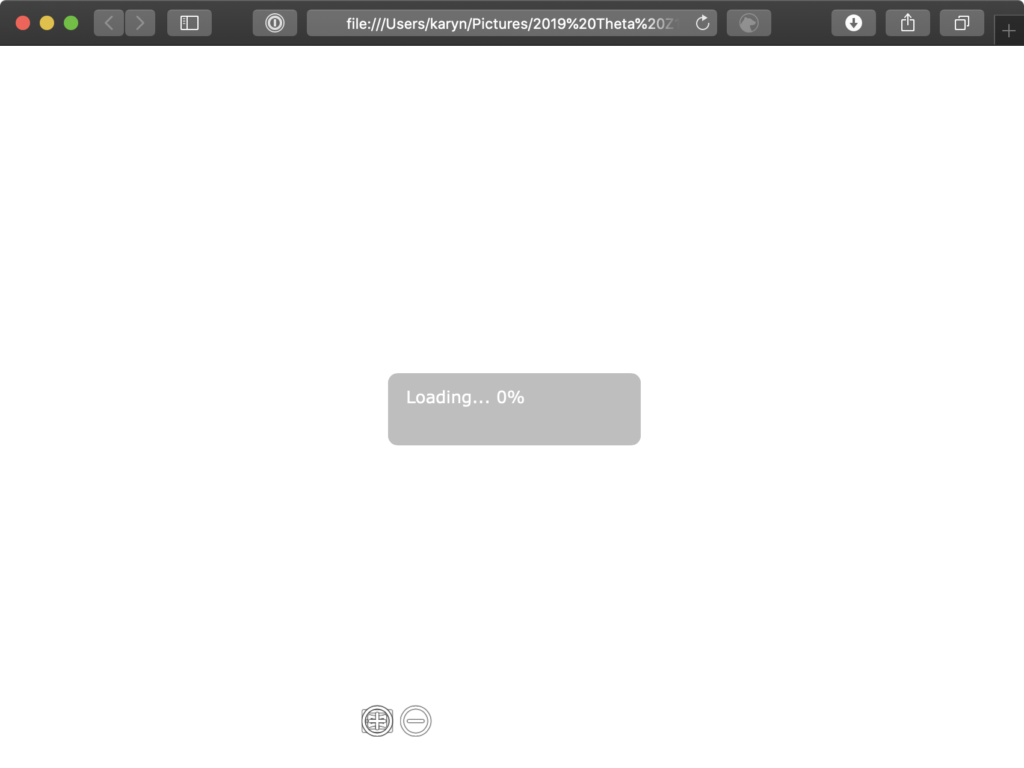
Each browser can have its local file access settings changed. We’ve provided how to do this for the main browsers:
Chrome
Windows:
- Close Chrome.
- Go to Chrome’s location on your computer. (Usually found in the Applications folder.)
- Hold down shift and right-click to show Open command window here in the context menu. Select Open command window here.
- Enter:
.\chrome.exe —allow-file-access-from-files - Restart Chrome.
macoS
- Quit Chrome.
- Open Terminal.
- Enter:
open /Applications/Google\ Chrome.app —args —allow-file-access- - Reopen Chrome
Firefox
- Open Firefox and enter
about:configin the search bar. A “Proceed with Caution” page will appear. Click, “Accept the Risk and Continue.” - In the search bar that says, “Search preference name”, enter
security.fileuri.strict_origin_policy. - Change that setting from true to false
Safari
This requires an extra step of enabling Developer’s Mode.
- Open Safari’s Preferences.
- In the Advanced tab, select Show Develop menu in menu bar.
- Go to the Develop menu.
- Select Disable Local File Restrictions
MS Edge
- Open a new tab.
- Ctrl+O
- Navigate to the HTML file
I’ve uploaded my project to my website, but nothing is showing. What’s happening?
Most likely, not all files were uploaded to the server, or they are not located in the same directory. Make sure all the output files are in the project’s folder.
Can I use the output files on more than one domain?
Why does my browser give me the following error: NETWORK_ERR:XMLHttpRequest exception 101?
This error will pop up if the browser does not allow local access to your files for the HTML5 ouput. To avoid this locally (your computer), do one of three things:
- open the project directly from Pano2VR/Object2VR by clicking the Open output file button, or
- access the output via the integrated web server (Pano2VR/Object2VR), or
- upload the project to your web server, or
- create a desktop application (Pano2VR/Object2VR).
Sometimes, you’ll need to send the project to a client, and they’ll see this error, too. To avoid this issue, simply select, Embedded XML, in the settings for the normal.ggt HTML template.
I get the error “OpenGL can not be initialized”. What should I do?
Why am I seeing a shift in color, white balance and contrast in my outputs?
You are seeing this change because most likely your input image is using a colorspace other than sRGB. Make sure your image is converted to sRGB before importing.
Link to this answer: Why am I seeing a shift in color, white balance and contrast in my outputs?
Why is there a vertical line in my panorama?
Visible vertical lines are usually caused by resizing the image in an image editor. Therefore, the line was created before the image was brought into Pano2VR. If you need to resize your panorama, we suggest using Pano2VR’s Transformation output as it uses pixel perfect remapping.
Link to this answer: Why is there a vertical line in my panorama?
No matching questions. Try a different search.