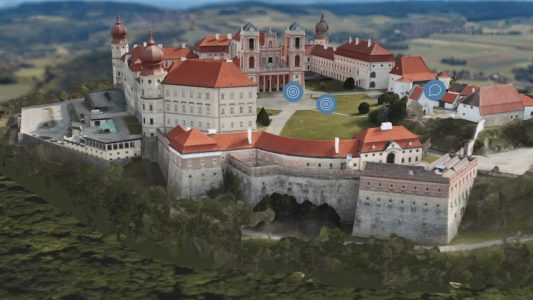
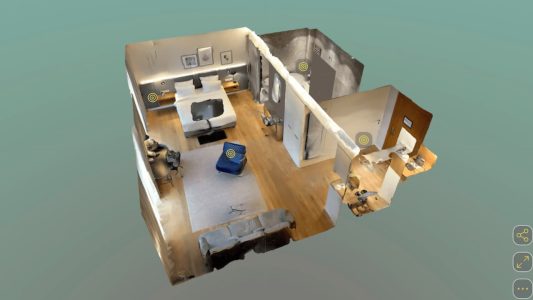
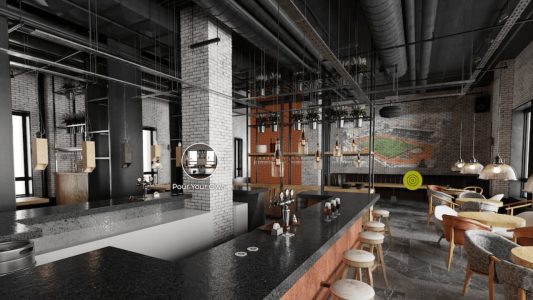
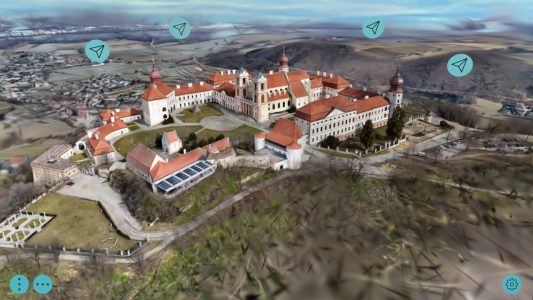
Pano2VR 8 beta brings support for 3D models, including Gaussian Splats. There is a new built-in skin, a lot of new skin features, and even new components. For the full list of changes, please see What’s New.
3D models are now supported in Pano2VR. You can work with them directly in the Viewer, use them to create smooth transitions and motion paths between nodes, or simply add them as interactive objects in a tour.
Both conventional mesh-based models and gaussian splats are supported, so you can integrate scanned scenes or detailed objects alongside your panoramas.
Models can be positioned, scaled, and linked with hotspots, making it possible to guide viewers through a scene, highlight details, or combine image-based and model-based scenes in a single project.
We’ve added a project wizard to guide you to quickly put together and export a project.
Choose New Project, from the Welcome Screen and then drag in your panoramas, pick a skin and generate the project!
Quaranta Skin
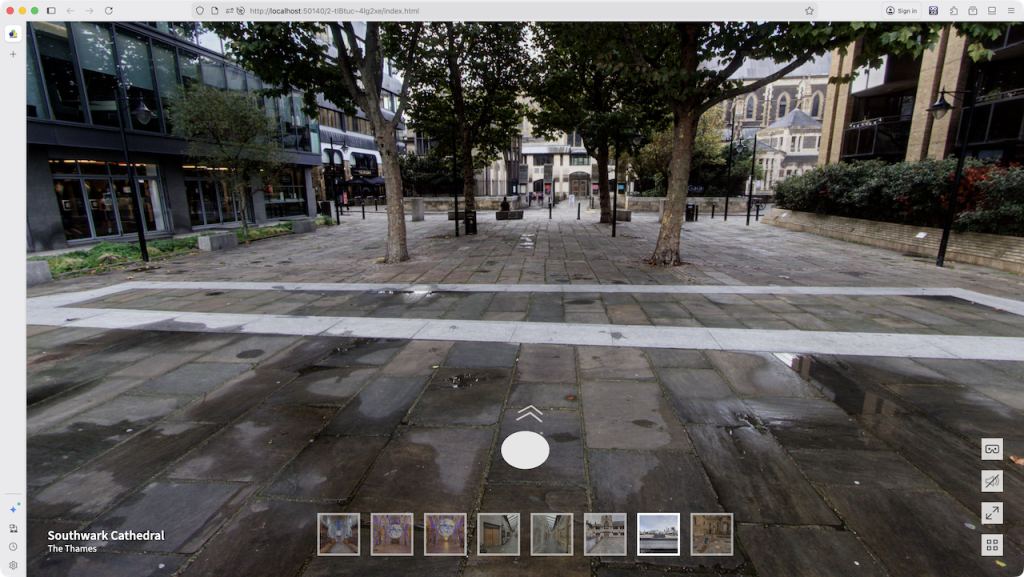
Check out the latest skin, Quaranta. It features clean graphics, a node compass with thumbnail images, and a node menu.
The skin can be customized to have a light or dark theme. And the shape of the button icons can be changed.
Skin Themes
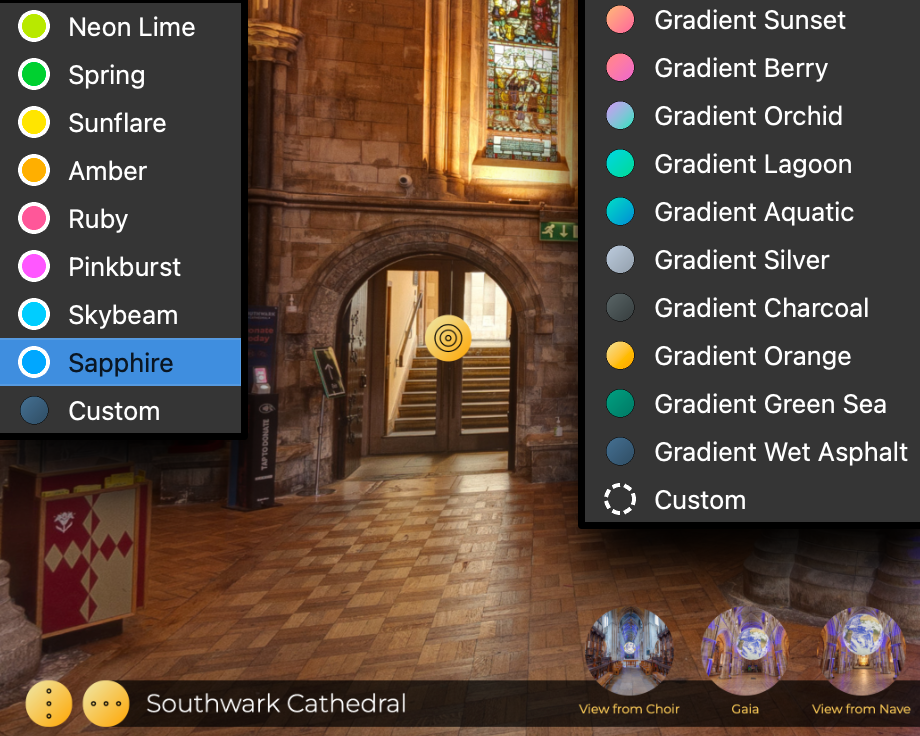
The Feather Orb, Feather Box, and Neto skins have been updated to include color themes. The Feather Orb and Neto skins also feature a number of gradient color themes to choose from.
Skins Grid
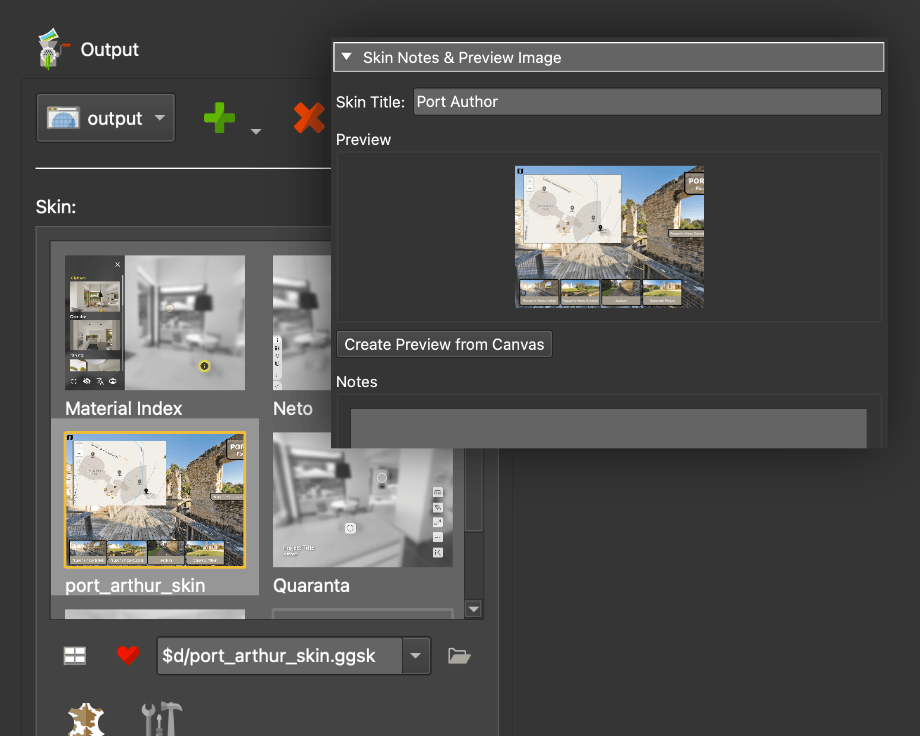
You can now see large previews of favorite skins in the Web Output and in the Project Wizard.
Create and add a preview for your custom skin in the skin editor and it will also be shown in the grid when it’s marked as a favorite.
Skin Editor
We’re always adding to the Skin Editor and this version is no different. You’ll find logic block triggers for 3D models (along with a bit of reorganization), and more direct support for CSS in the Code Element.
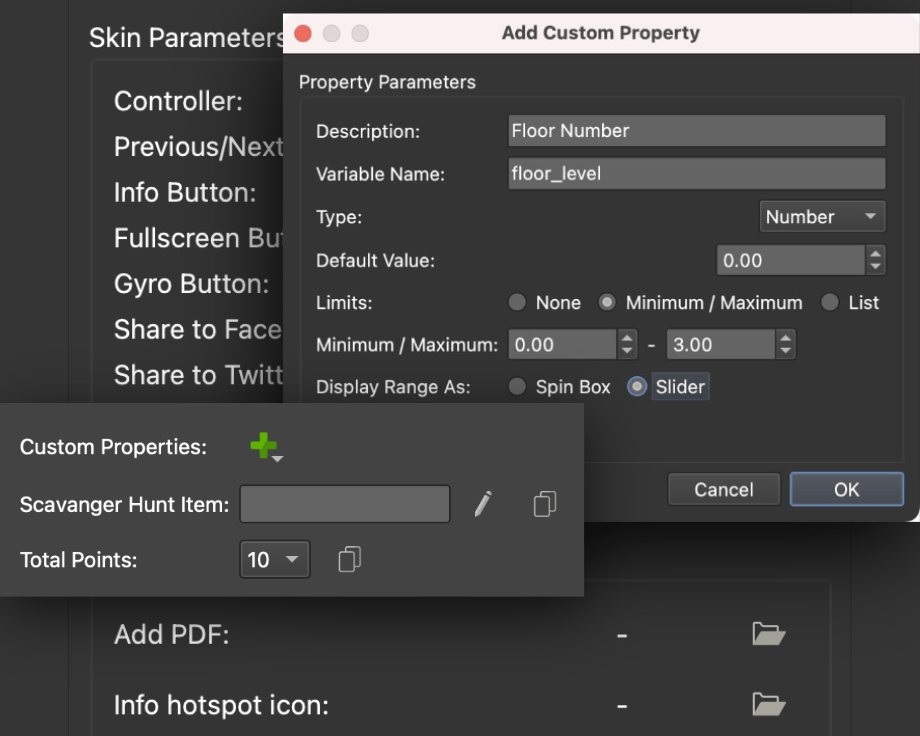
There are new options for exposing variables so you can provide UI elements like selections, sliders, and radio buttons to the custom properties.
The PDF element and the External Image Loading element now have exposed files so files can be added without opening the skin. This is great for swapping out PDFs, like an open house brochure for a property, or changing a company logo.
Natural Hands in VR
In VR, you can select the type of hands that are visible. And now you can choose a more natural-looking type of hand.
Refreshed UI
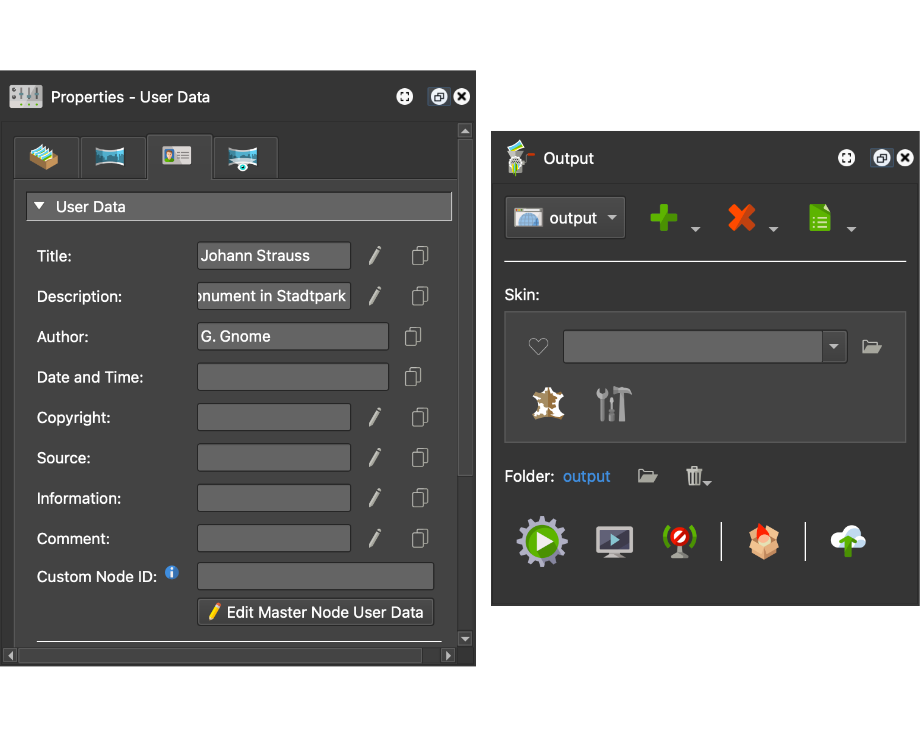
Sometimes it’s the small changes that make a big difference. Pano2VR’s interface has had a light refresh, with new icons that are cleaner, clearer, and easier on the eyes whenever you dive into a project.
Flexible Payment Options
With Pano2VR 8, we are introducing a new way to buy: Subscriptions.
Don’t worry, the perpetual, one-time purchase license is here to stay. But if you prefer more flexibility, you can now subscribe for €30/month or €300/year.
This plan grants you immediate access to Pano2VR 7, 8, and all future versions for as long as your subscription is active. To sweeten the deal, we’ve included the Gnome Cloud Small package (valued at €10/month or €100/year) at no extra cost.
Test Pano2VR 8 beta for free
Download and test Pano2VR as long as you like.
If you would like to use Pano2VR without visible watermarks or node limitation,
you will need to order a license key.
If you already have version 7 or an older license of Pano2VR and would like to upgrade, log in to your account to see what options are available to you.
The upgrade price is dependent on when you purchased Pano2VR 7 and how many users have been added to your license.