We know we say this with every release, but we are truly happy to announce that Pano2VR 8 is no longer in beta, and the final release is out.
3D Models and Gaussian Splats
If you haven’t yet heard, Pano2VR 8’s main new feature is support for 3D Models and Gaussian Splats! Not only can you work with the models directly in Pano2VR’s viewer, but you can also use them for transitions between panoramas, which make super-smooth transitions between panorama nodes. While you can use the model in the tour and add hotspots, you can also hide it and use it only for transitions.
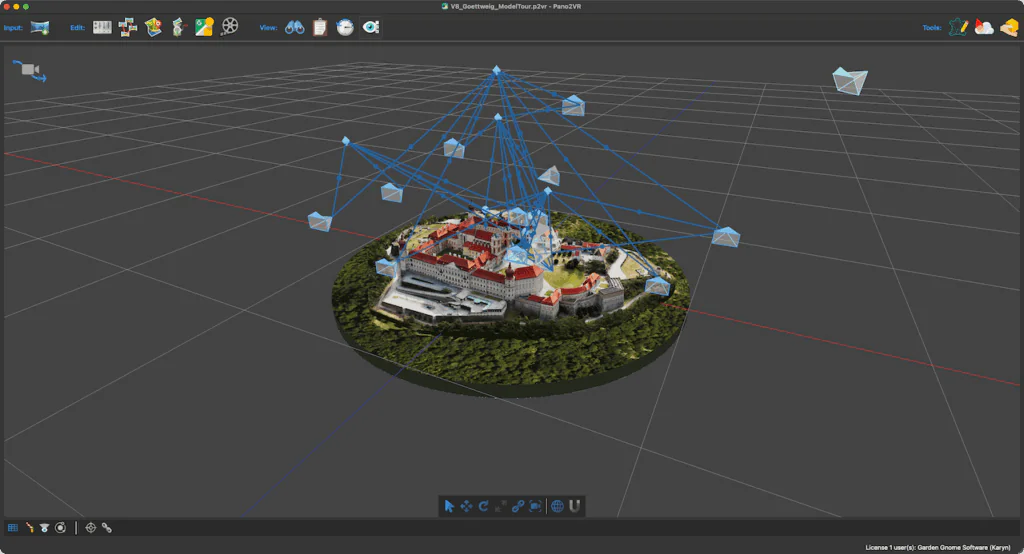
You can view and interact with 3D models on all devices, including in VR! 3D models can demand a lot of the browser and device, so we’ve added an option to include mobile-friendly model files so you can have versions that require fewer resources, and the browser will choose the file that best suits the current device.
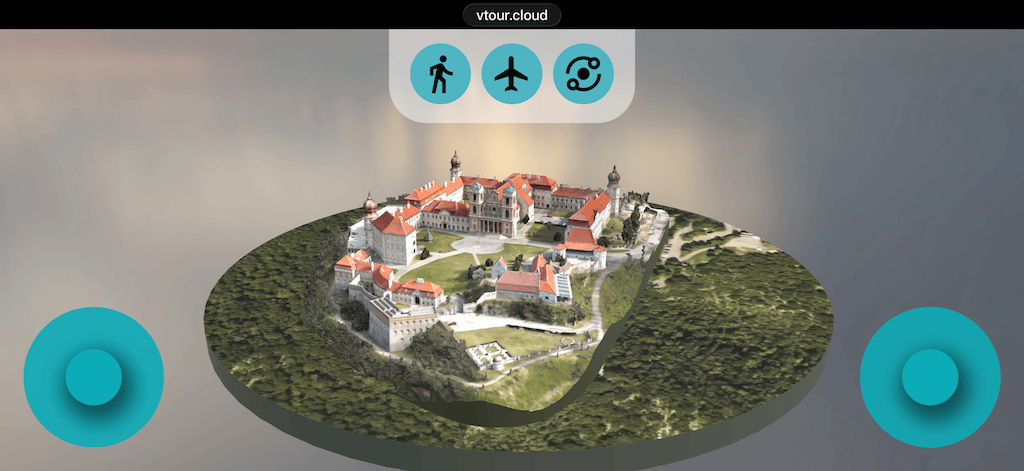
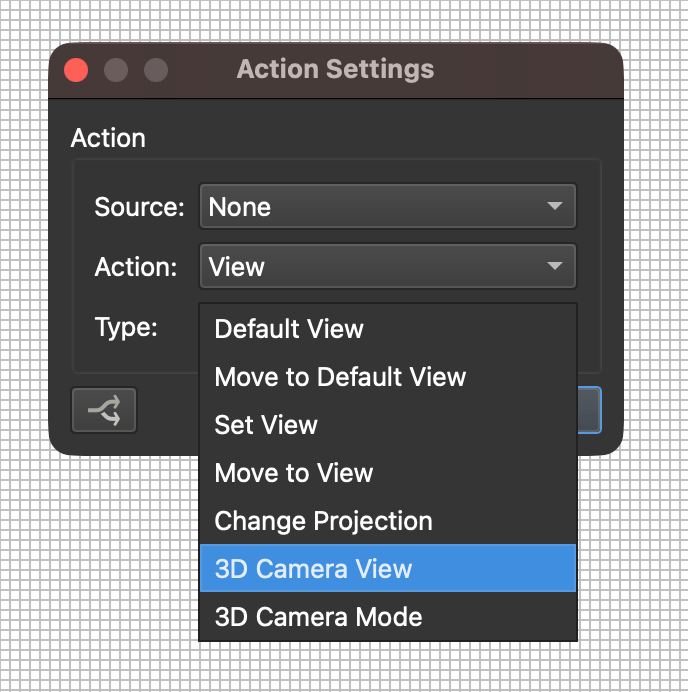
With 3D models come new skin actions and triggers! You can use the actions to change the 3D camera view and the camera mode, and you can use the triggers to react to 3D camera modes.
Of course, this is a new medium and workflow for Pano2VR users. So, we’ve already created a few tutorials to help you navigate all of this. We have more tutorials in the pipeline, too!
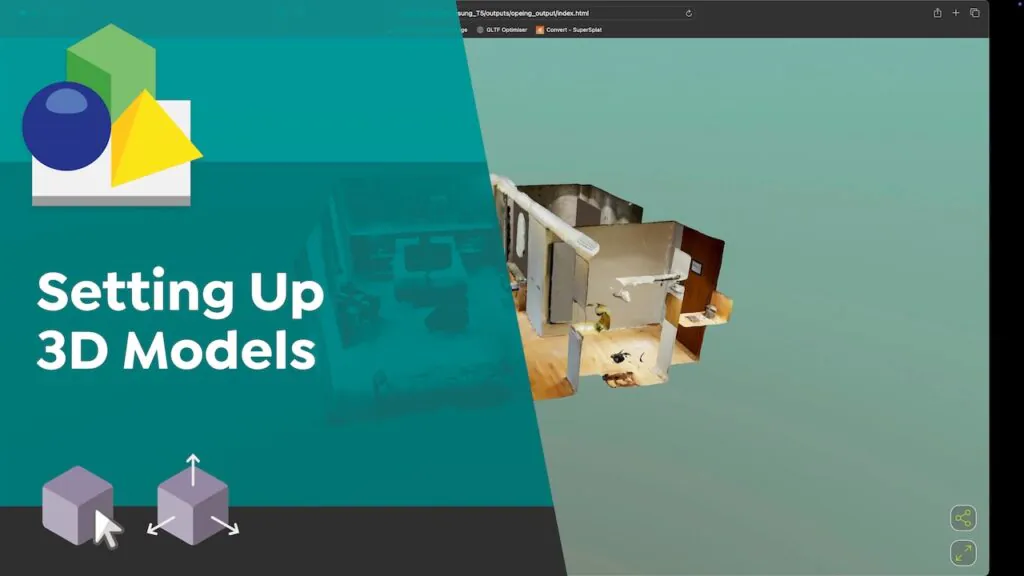
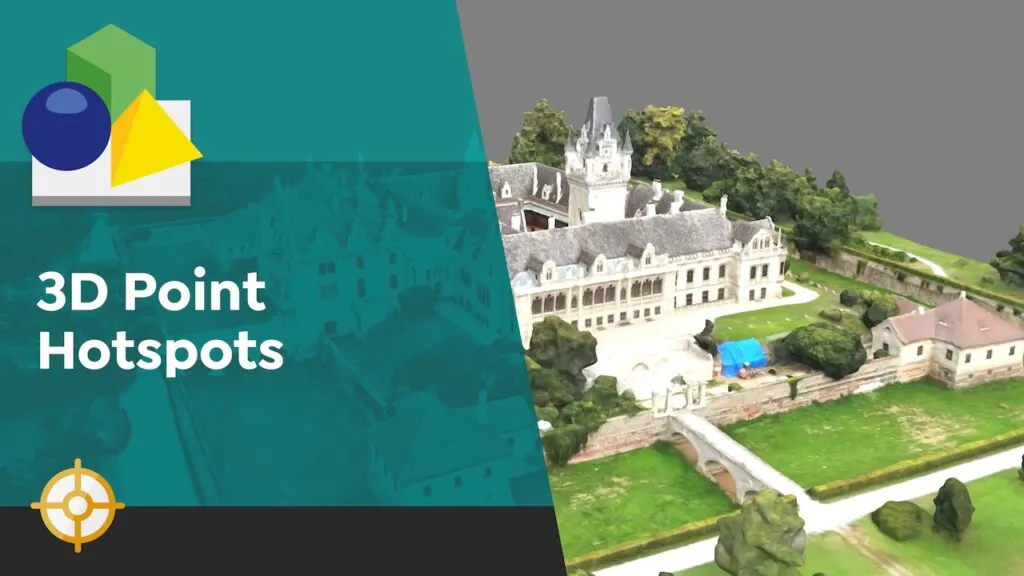
Check out some example tours using 3D models and Gaussian Splats.
Project Wizard
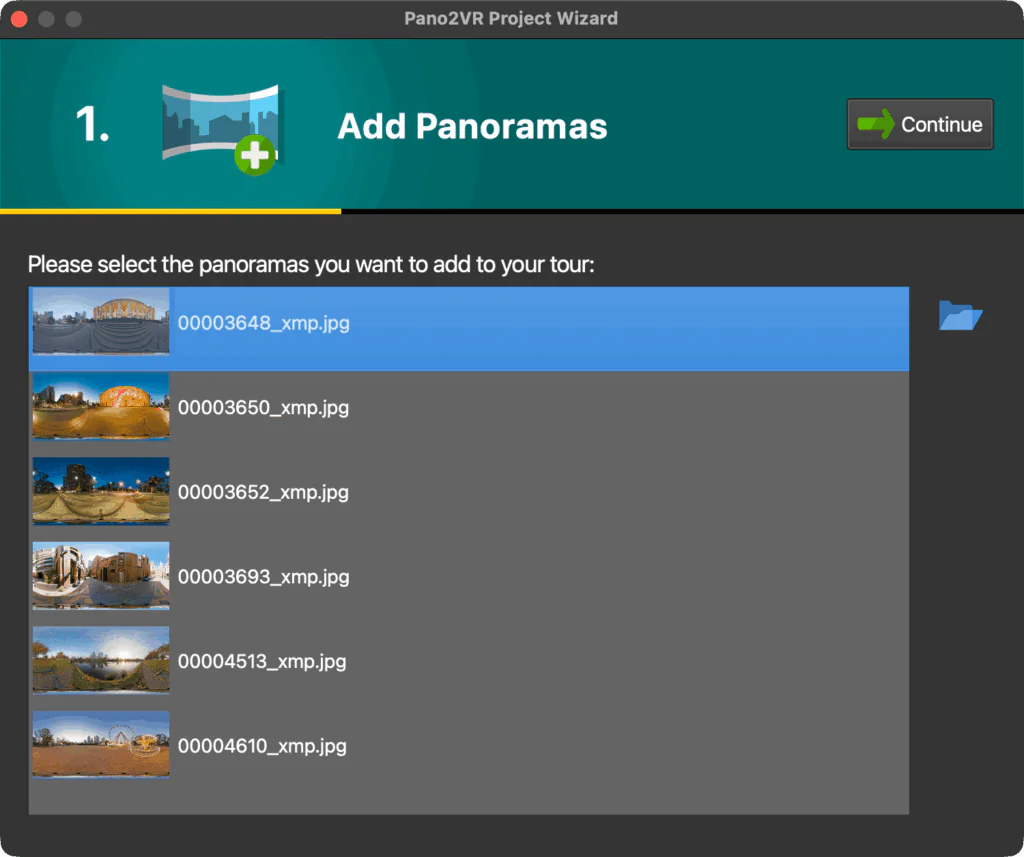
We added a new way to quickly build projects with the Project Wizard. Drag in your content, whether it’s panoramas, 3D models, video panoramas, or flat images; add a skin you’d like, and then generate the output. If you’re looking to build a simple tour, this is incredibly quick, as you won’t even need to work in the main interface, unless you want or need to.
Skin Editor
Speaking of interfaces, we added a new skin called Quaranta. Not only is it sleek, but it also has options to change the shape and colors of the buttons.
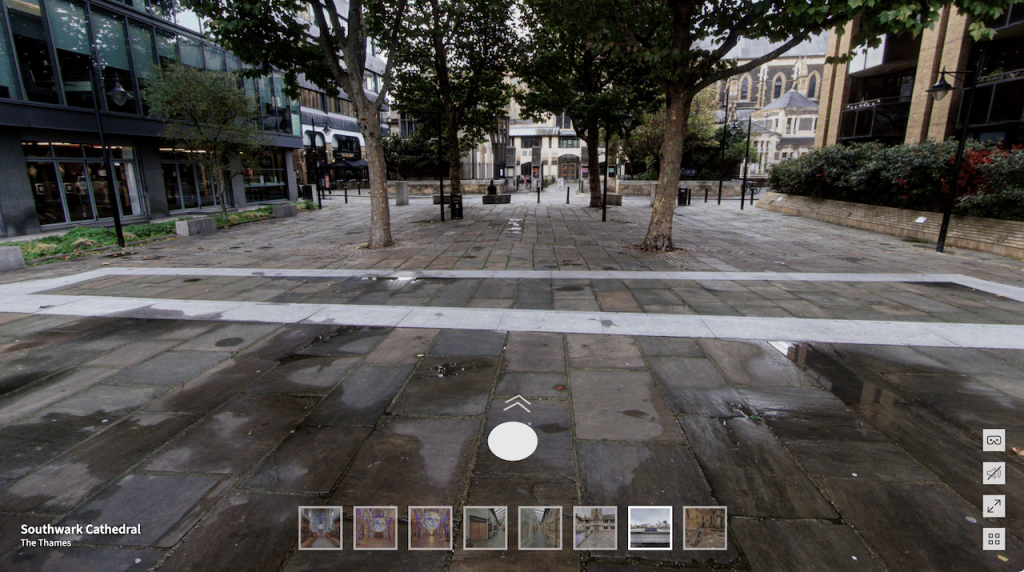
Which brings us to the next new feature: color themes. We’ve added numerous color themes to some of the built-in skins, giving you even more customization options for them.
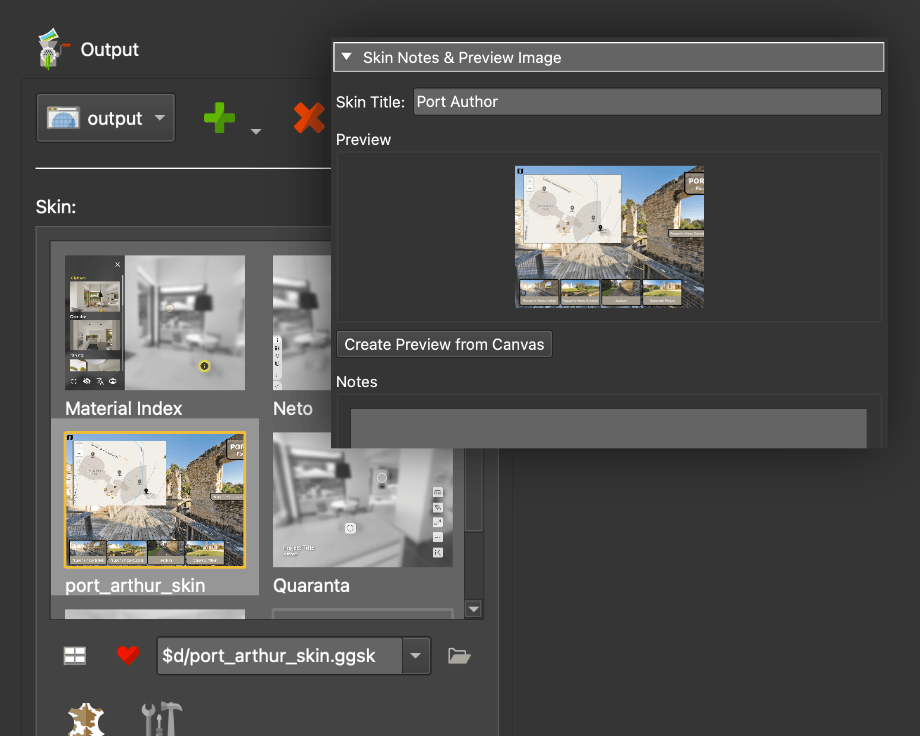
Another helpful feature is the skin grid! You can now favorite your skins and preview them, as well as the built-in skins in the Web Output. You’ll also see the same previews in the Project Wizard.
Project File
Pano2VR 8 project files are now JSON instead of XML. This means that version 8 project files cannot be opened in previous Pano2VR versions. When you try to open a project file from version 7 or earlier, you’ll get a warning that the project file will be converted to version 8’s new format.
Subscription Option
When we released Pano2VR 8 beta 1, we introduced our subscription model as an optional way to purchase Pano2VR, and it comes with these benefits:
- Continuous Updates: You get all future versions for as long as you are subscribed
- Gnome Cloud Included: The plan includes the Gnome Cloud Small package (a €10/month or €100/year value) at no extra cost
- Flexible Pricing: Available for €40/month, billed in 3 month periods or €360/year
Updating and Upgrading
To update, go to Pano2VR’s Help menu and choose Check for Updates or download directly from our website.
Pano2VR 7 ➝ Pano2VR 8
If you already have a Pano2VR 7 license, you will only need to pay an upgrade fee for a Pano2VR 8 license. The fee amount depends on when you purchased your version 7 license. Please log in to your account to check the upgrade fee.
If you’d like to start a subscription, sign up here.
If you purchased your license from a reseller, you will need to purchase the upgrade from them. Also note that subscriptions cannot be purchased or offered to you by a reseller.
Download Pano2VR 8 here, then follow the instructions to install and activate it.
You can run both versions on your system.
Getting Help
As always, if you run into issues with your account, license, or the software, feel free to write to us at [email protected].
You can also try asking the community on our forum and Facebook user group.
A Big Thanks to Martin
Finally, we’d like to give a big shoutout to our long-time colleague and support mastermind, Martin Hopkins! Martin is no longer working at Garden Gnome, but he will be around on the forums and user group, providing incredible help. We want to thank Martin for his valuable work and know-how over the years and wish him all the best on his next venture.